A Warranty Claim is when a Customer claims free repairs within the Warranty Period of the item/service you're providing.
To Access: Login to ERP > Desktop > Support > Warranty Claim
Create Warranty Claim
- Go to Warranty Claim
- Click Add Warranty Claim
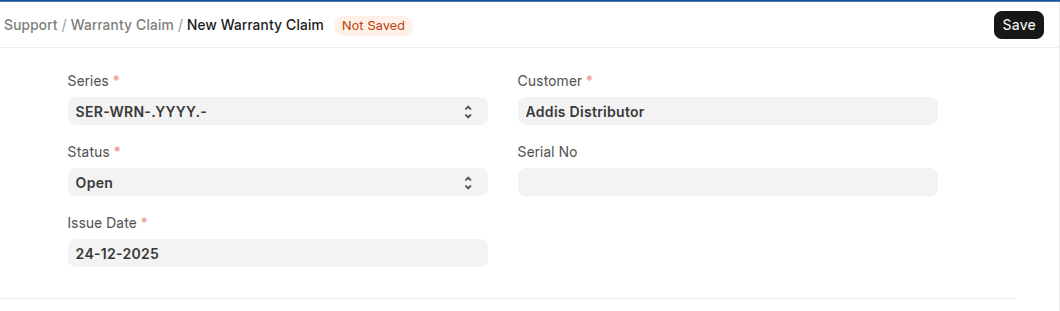
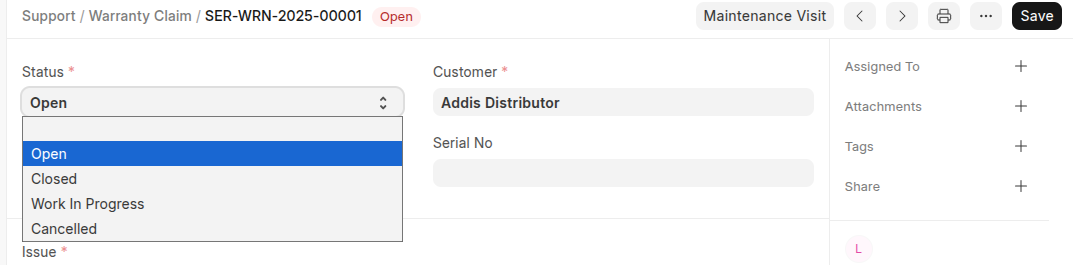
- Select Customer and Serail number if applicable
- Set issue date
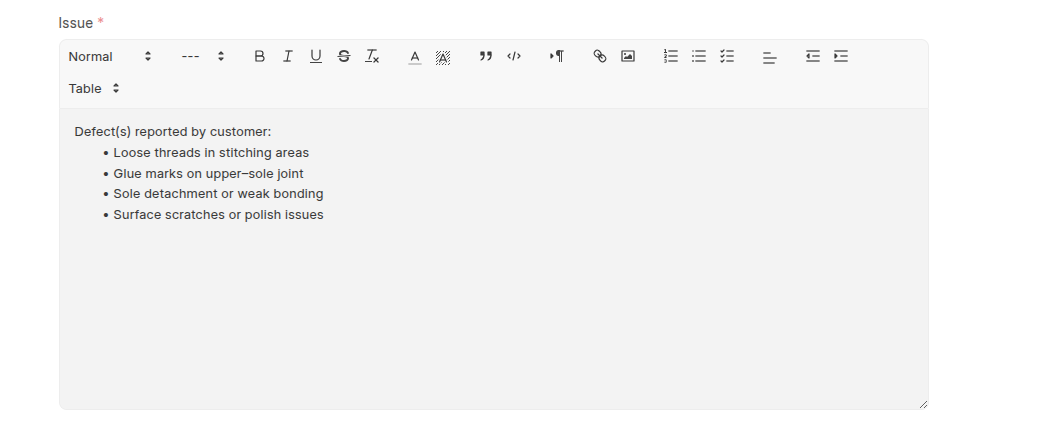
- Write issue detail in issue section
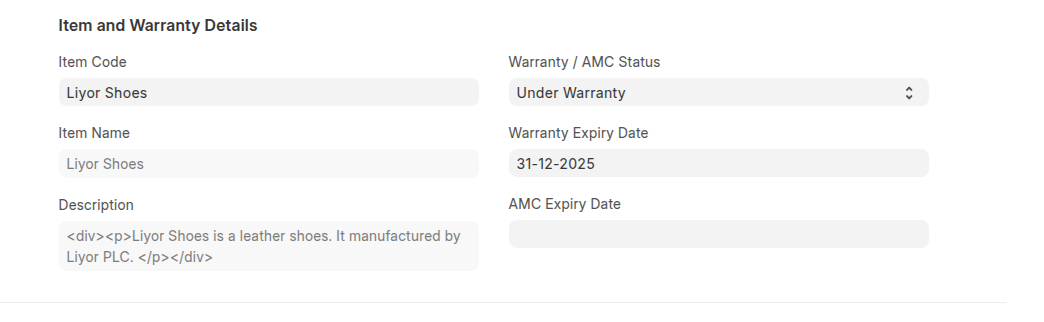
- In the Item and Warranty Details select Item, select Warranty / AMC Status, Set Warranty and AMC Expiry Date.
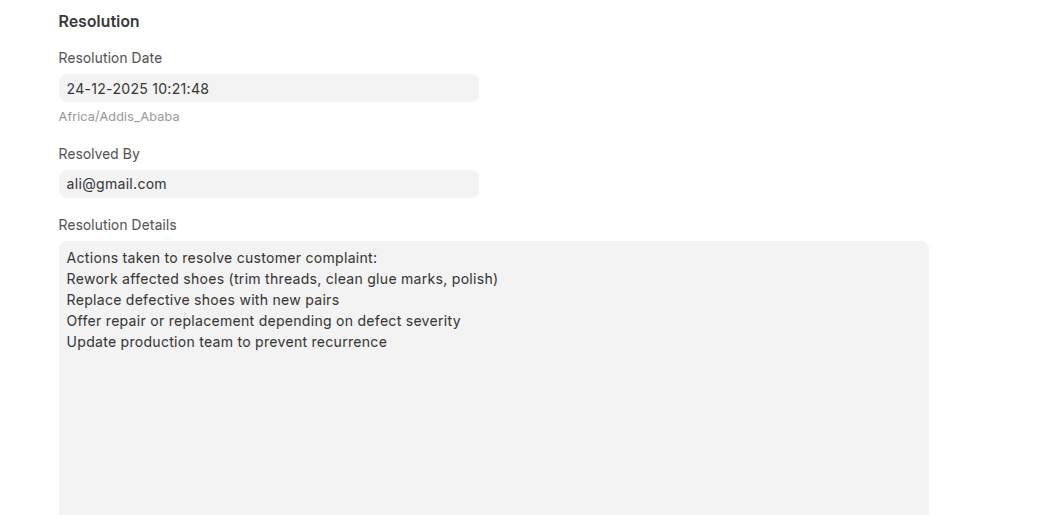
- Set the resoultion time and select the person how resolve the claim, and Resolution Details in the resoulution section.
- Click Save
- Then change the status based on the action performed, if the claim in ressolved select Closed.
- Click Save
Last updated 6 months ago
Was this helpful?