Serial Number (Serial No) record is maintained for each quantity of that Item.
To Access:
Login to ERP > Desktop > Selling > Serial No
Create Serial No
Serial Numbers are auto-created when transactions are made against a serialized Item. This works only when Has Serial No is enabled and a series is set in the Item master.
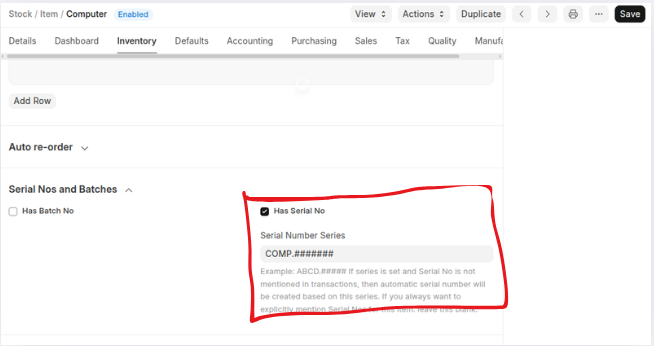
However, if you want to create a Serial No manually follow these steps:
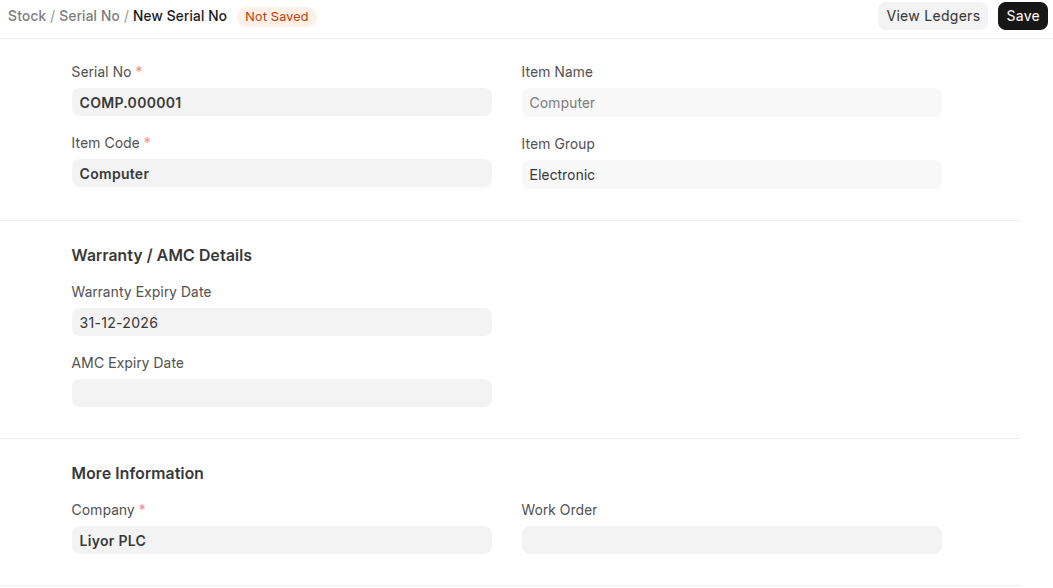
- Go to the Serial No list, click on Add Serial No.
- Enter a Serial Number.
- Enter the Item Code and details will be fetched.
- Click Save.
Last updated 6 months ago
Was this helpful?