A Territory is a geographical region you do business in.
To Access:
Login to ERP > Desktop > Selling > Territory
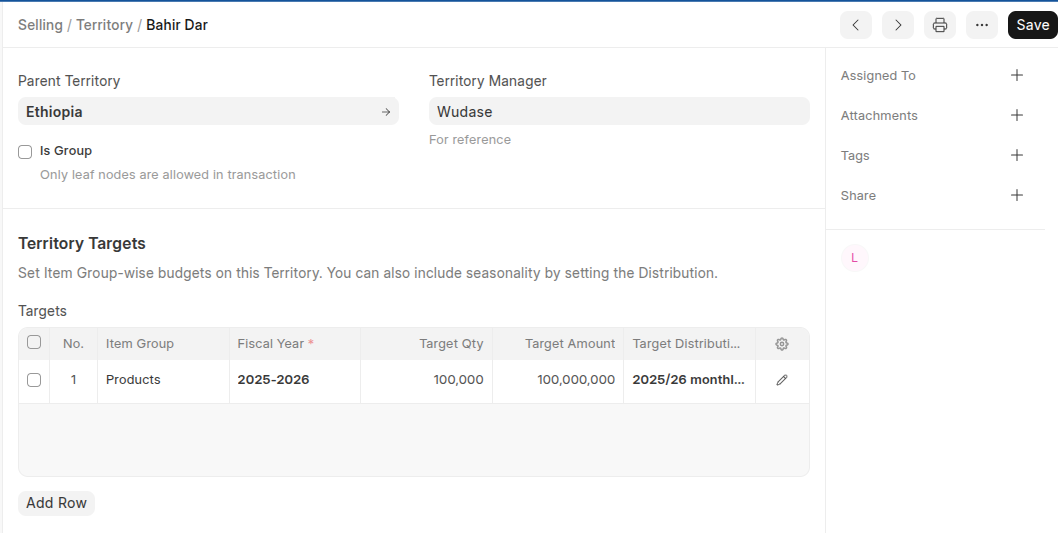
Create Territory
- Go to Territory
- Click Add Territory
- Set Territory Name
- Select Territory Manager and Parent Territory(if have)
- Enable Is group if the Territory have child Territory
- Set Territory target in the target table
- Click Save
Last updated 6 months ago
Was this helpful?