Point of Sale Profile
POS profile allows using the Point of Sale feature. It includes different functionality, such as inventory management, CRM, financials, warehousing, etc.
To Access:
Login to ERP > Desktop > Selling > Point of Sale Profile
Create Point of Sale Profile
- Go to Point of Sale Profile
- Click Add Point of Sale Profile
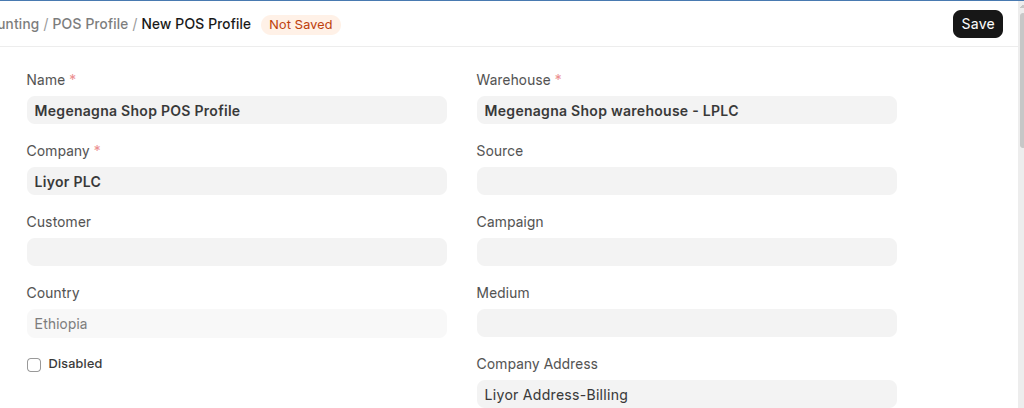
- Set Point of Sale Profile Name
- Select warehouse
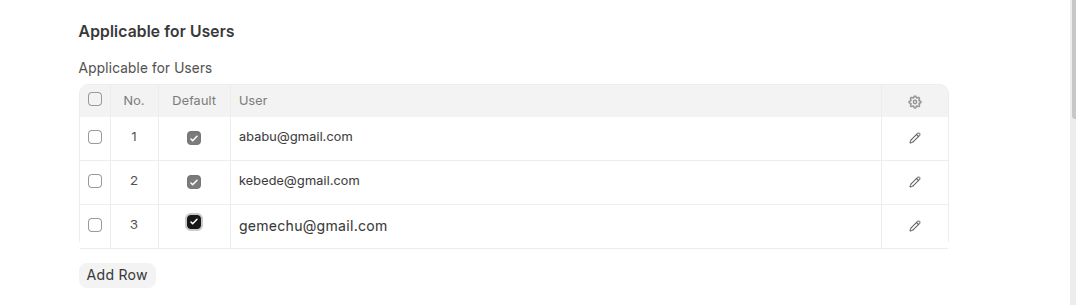
- Add Users in the users table
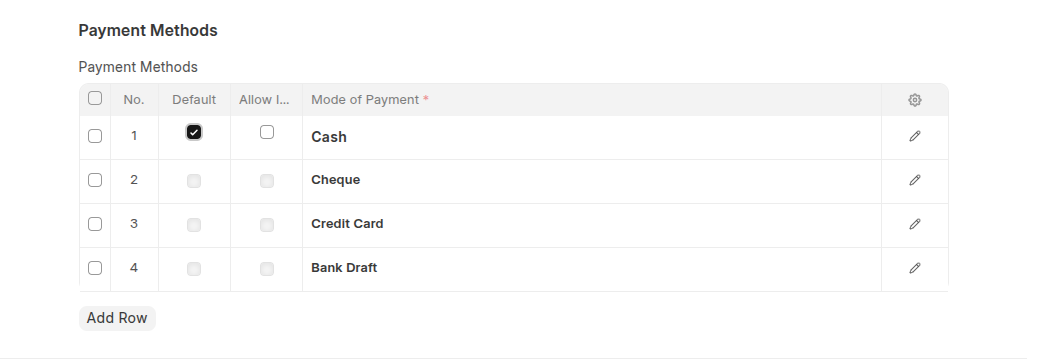
- Select mode of payments in the payment method section
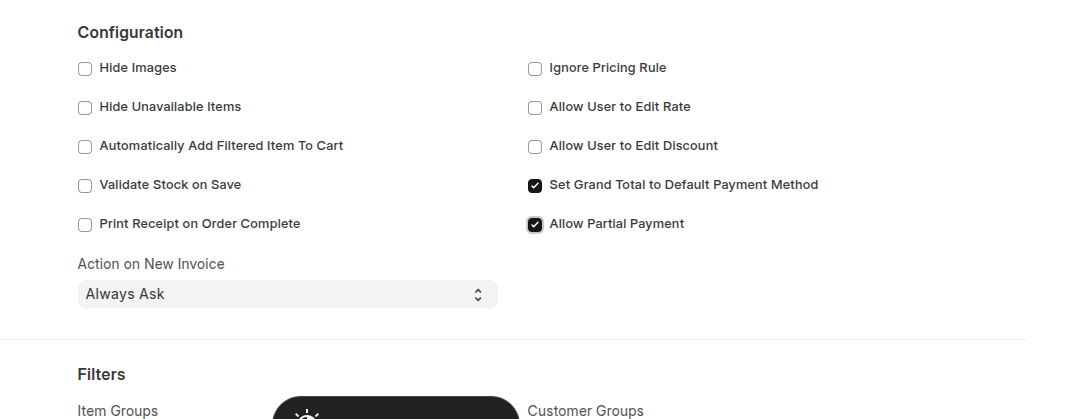
- In the Configration Section: you can configer as per your company
- You can also set default Customers and Items, if appilcable in the filters section.
- Under Accounting Section set Write Off Account, cost center Write Off Account, tax and charge template
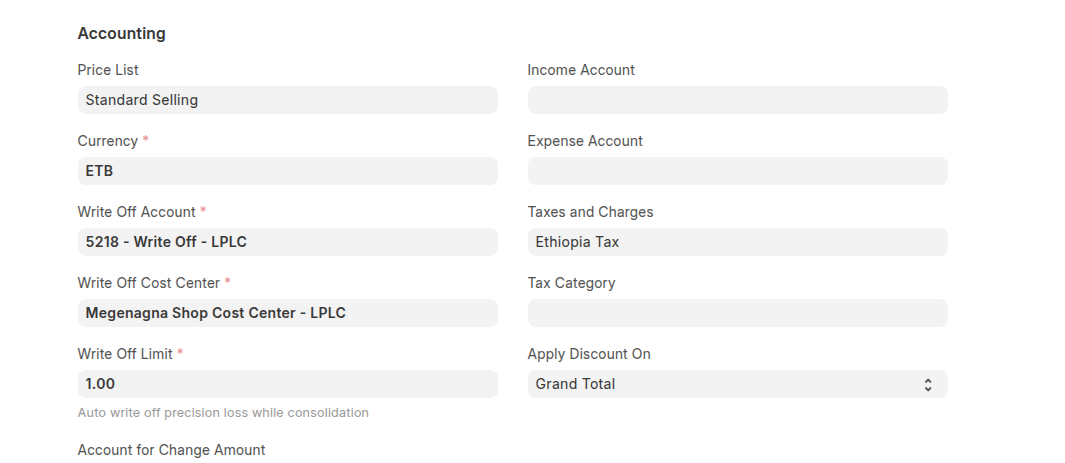
- Select cost center
- Click Save
Last updated 6 months ago
Was this helpful?