Invoice Type Created via POS Screen
To Access: Login to ERP > Desktop > Selling > POS Settings
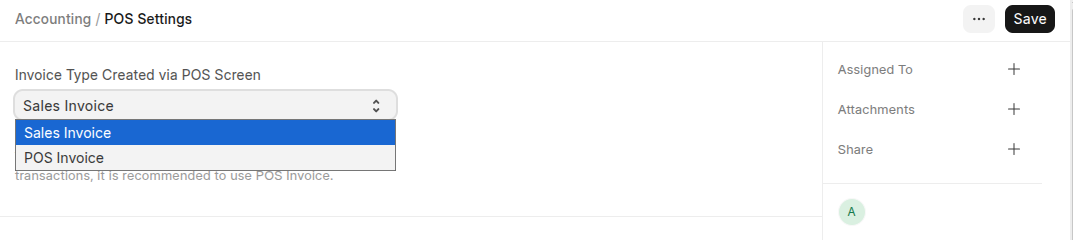 The system will create a Sales Invoice or a POS Invoice from the POS interface based on this setting.
POS Additional Fields
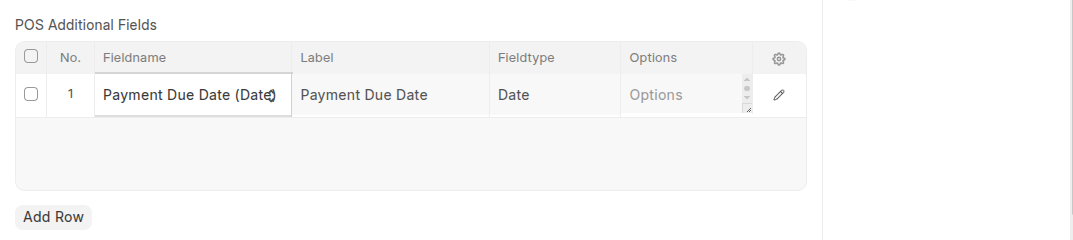 You can add Addition fields based on your company pos.
POS Search Fields
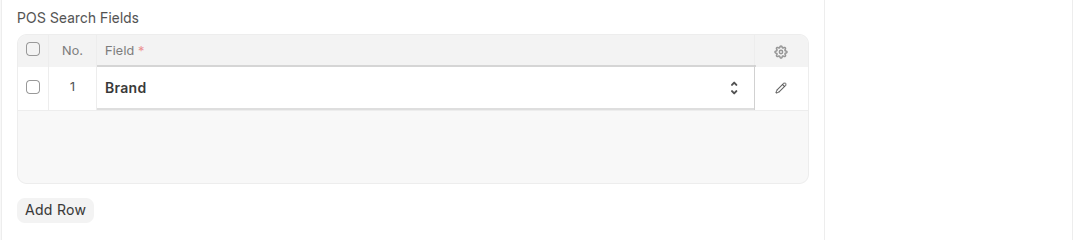 If you want to additional search fields list those fields here.
Last updated 6 months ago
Was this helpful?