A Non Conformance is a observation that can be filed by any person in the organization to note non compliance to a specific procedure.
To Access: Login to ERP > Desktop > Quality > Non Conformance
Create Non Conformance
- Go to Non Conformance
- Click Add Non Conformance
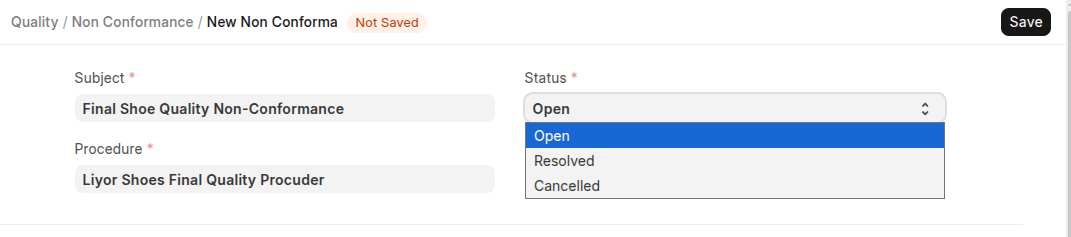
- Set Subject and Select Procedure and Status
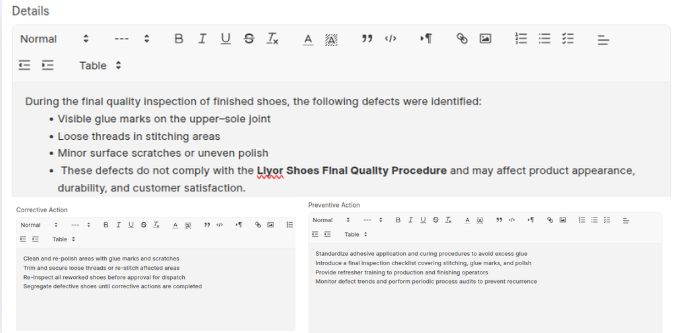
- Add Details, Corrective Action and Preventive Action
- Click Save
Last updated 6 months ago
Was this helpful?