Appointment Letter Template
An Appointment Letter Template is used to define the standard content and terms of an appointment letter issued to selected candidates.
It ensures consistency when generating appointment letters.
To access Appointment Letter Template, go to:
Login > Desktop > HR > Appointment Letter Template
Create an Appointment Letter Template
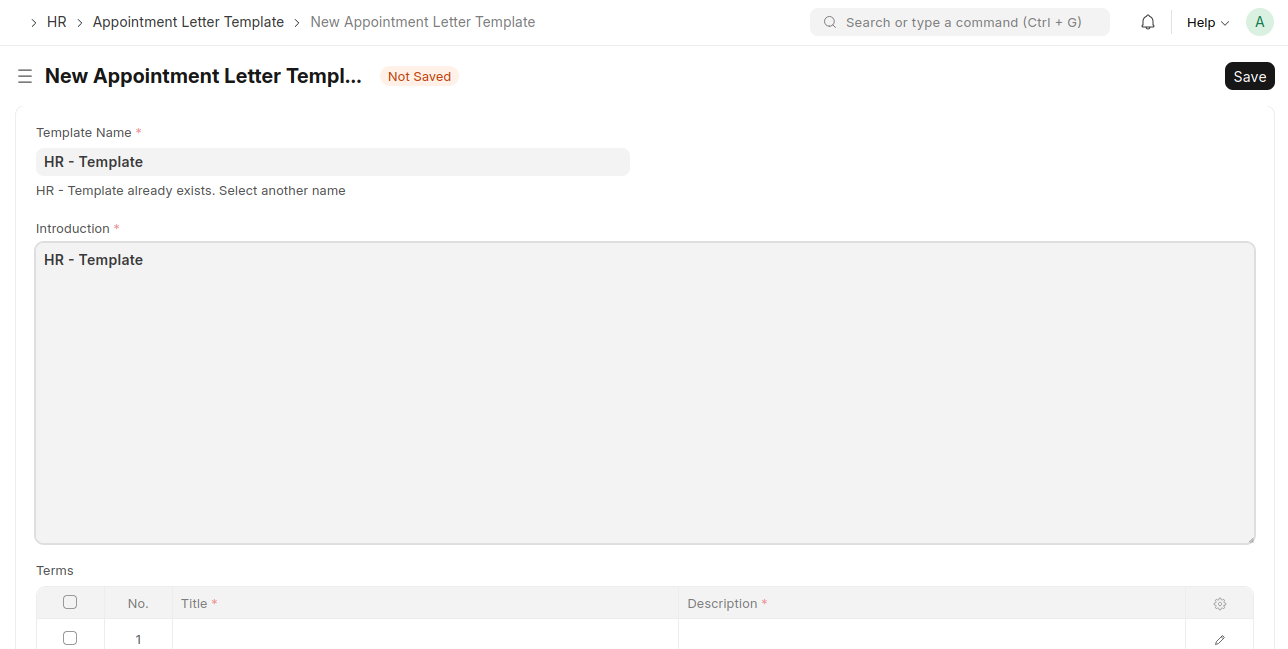
- Click Add Appointment Letter Template.
- Enter the Template Name.
- Add the Introduction content for the appointment letter.
- In the Terms section, add the Title and Description for each term.
- Click Save.
Last updated 6 months ago
Was this helpful?