Currency Exchange used to define exchange rates between currencies for accurate multi-currency accounting and transactions.
To Access Currency Exchange
Login to ERP > Desktop > Accounting > Currency Exchange
How to Create Currency Exchange
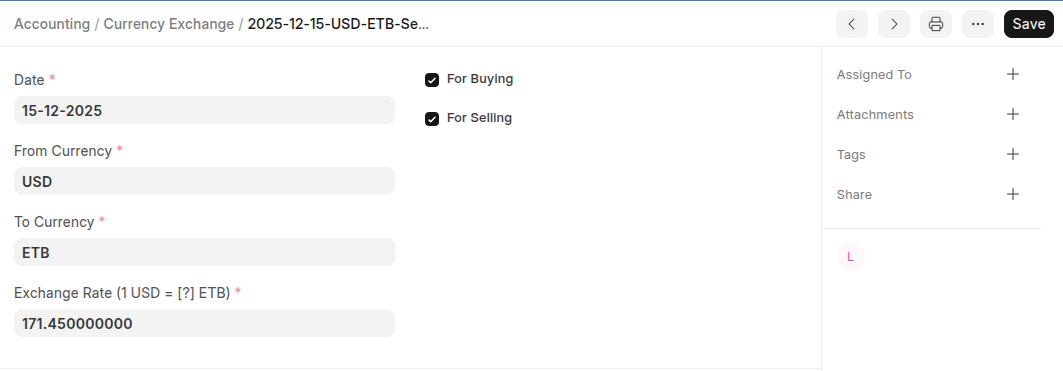
- Go to the Currency Exchange list and click Add Currency Exchange
- Select date
- Select From Currency and To Currency
- Set Exchange Rate
- Select whether the exchange rate applies to selling, buying, or both transactions.
- Click Save
Last updated 6 months ago
Was this helpful?