POS Closing Entry is used to close a POS session by summarizing total sales, payments received by mode, and cash differences, ensuring accurate cash reconciliation before ending the POS shift.
To access:
Login to ERP > Desktop > Selling > POS Closing Entry
Create POS Closing Entry
- Go to POS Closing Entry
- Click Add POS Closing Entry
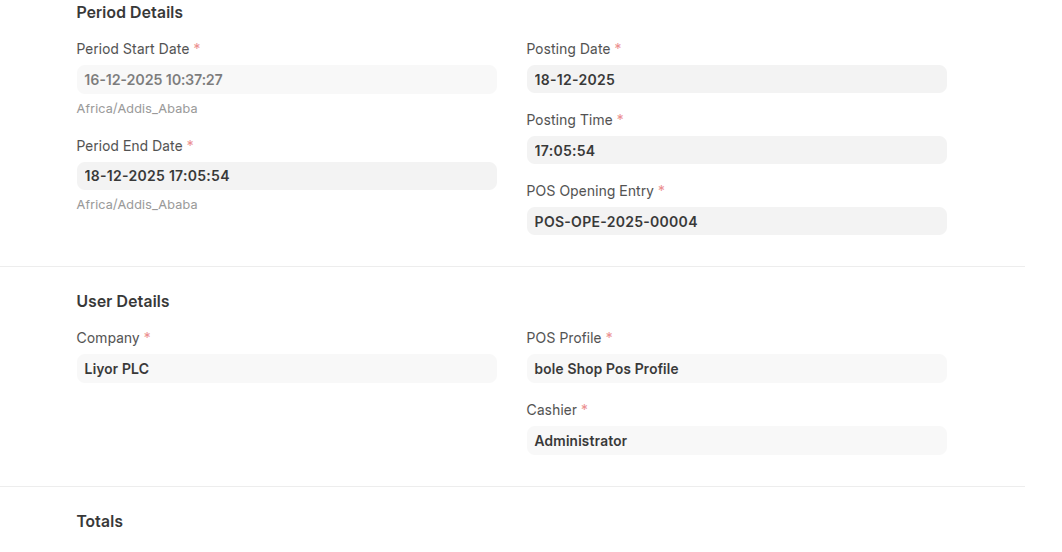
- Select POS Opening Entry
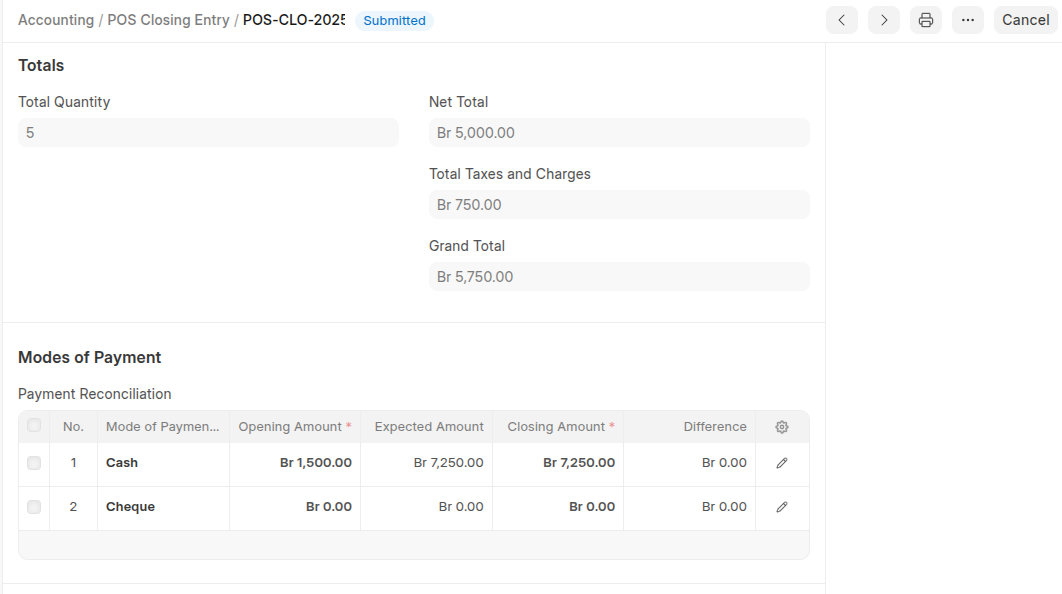
- Enter Closing Amount in the payment reconcilation table, the system calcluate the diffrence then if have difference the difference will be displayed.
- Click Save then Submit
Last updated 6 months ago
Was this helpful?