Call Logs help you record and track all customer calls in Frappe CRM. They provide a clear history of interactions, making it easier to follow up, analyze communication, and maintain strong customer relationships.
To access Call Logs:
Login → Desktop → Frappe CRM → Call Logs
Create Call Log
Create a new call log to record a customer interaction:
- Go to Frappe CRM → Call Logs.
- Click Create in the top-right corner.
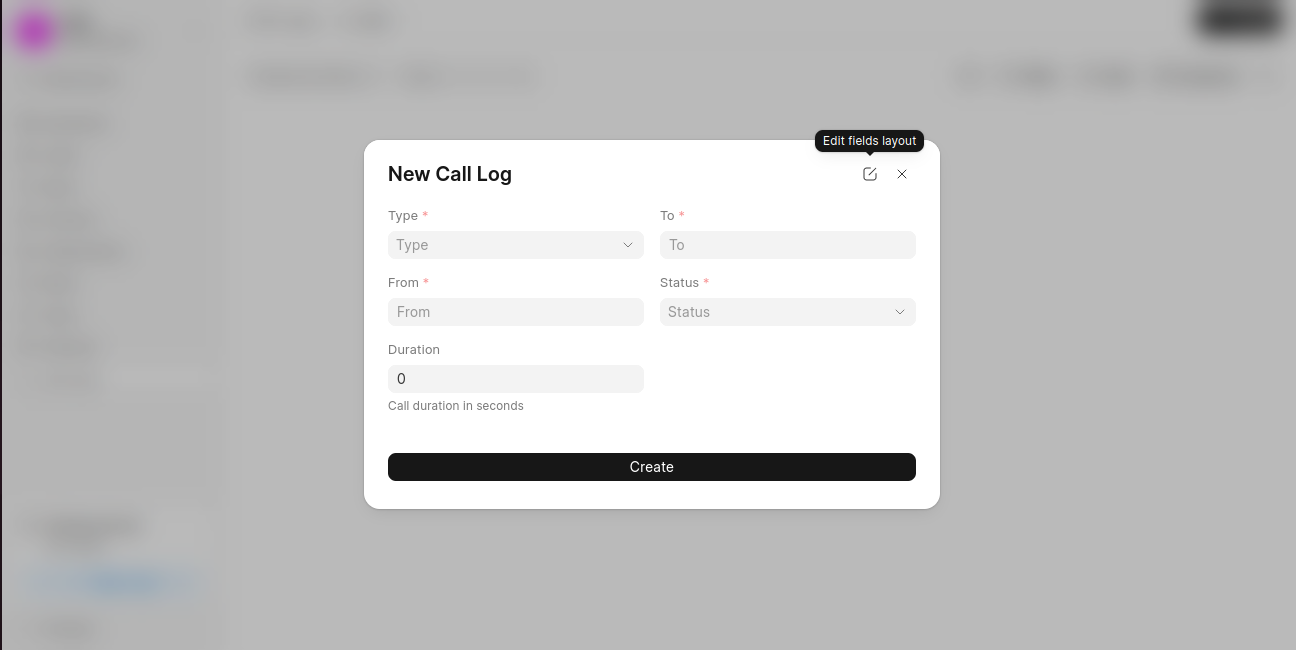
- In the New Call Log dialog, enter the required details:
- Type (Incoming or Outgoing)
- From
- To
- Status
- Optionally, add:
- Duration (call duration in seconds)
- Click Create to save the call log.
Last updated 6 months ago
Was this helpful?