Leave Allocation allows you to assign a specific number of leaves of a particular leave type to an employee for a defined period.
To access Leave Allocation, go to:
Login > Desktop > Human Resources > Leaves > Leave Allocation
create a Leave Allocation
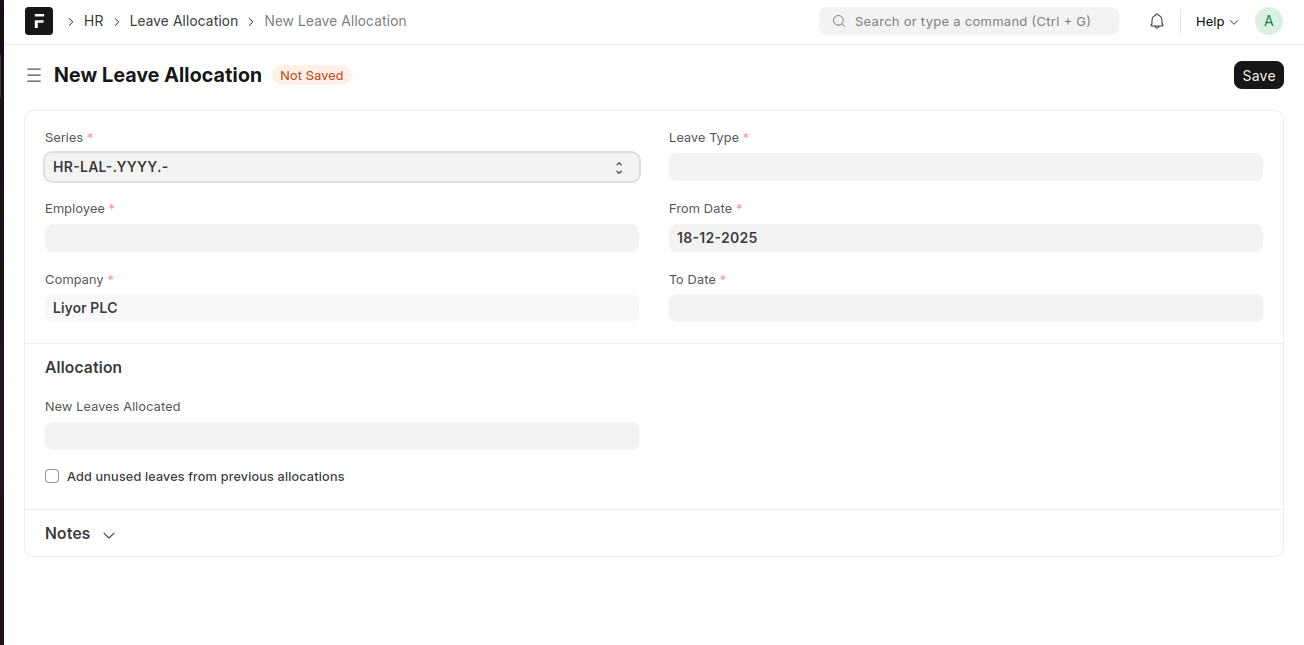
- Click Add Leave Allocation.
- Select the Employee and Leave Type.
- Set the From Date and To Date.
- Enter the number of New Leaves Allocated.
- (Optional) Enable Add unused leaves from previous allocations.
- Click Save.
Last updated 6 months ago
Was this helpful?