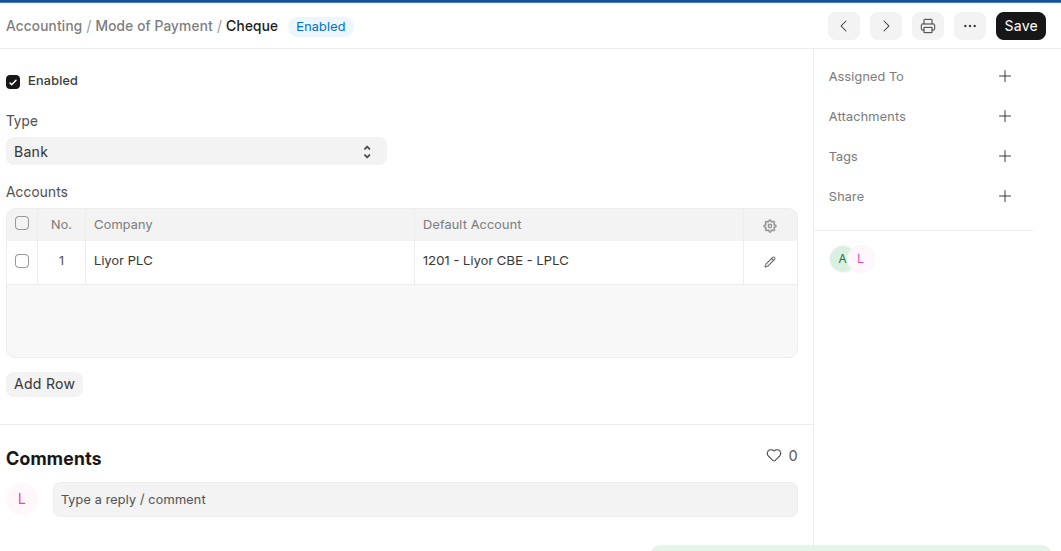
The Mode of Payment stores the medium through which payments are made or received.
To Access Mode of Payment:
Login to ERP > Desktop > Accounting > Mode of Payment
Create Mode of Payment
- Go to Mode of Payment
- Click Add Mode of Payment
- Enter Mode of Payment Name
- Select a type whether Cash, Bank, Phone or General.
- Set a default payment Account
- Click Save
Last updated 6 months ago
Was this helpful?