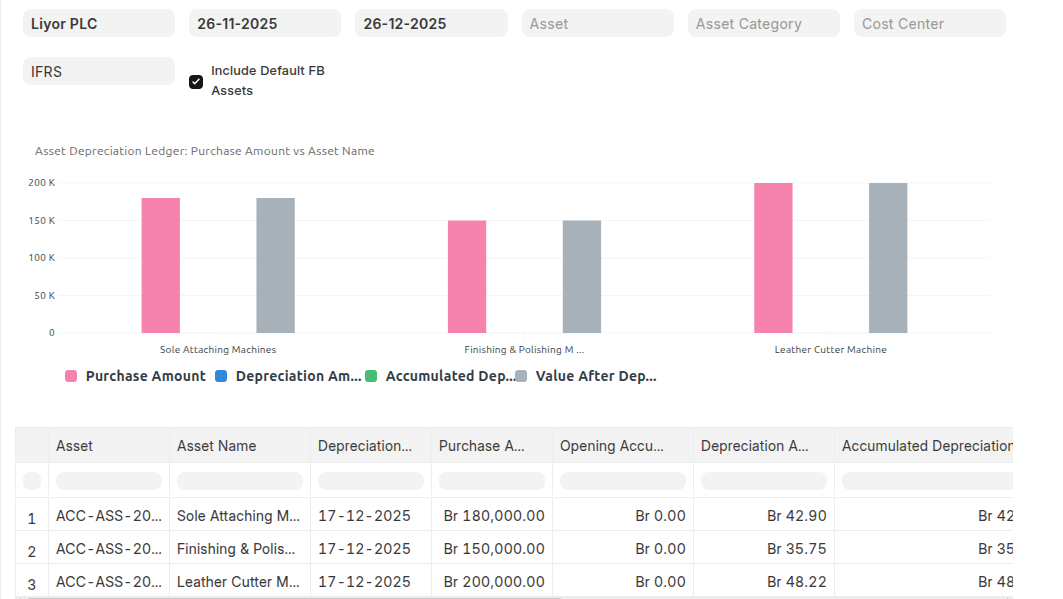
Asset Depreciation Ledger
This report shows the Purchase Amount, Depreciated Amount and accumulated total depreciation for all the assets under the selected date range. It also shows the current value and current depreciation status of the Asset.
To Access Asset Depreciation Ledger:
Login to ERP > Desktop > Assets > Asset Depreciation Ledger
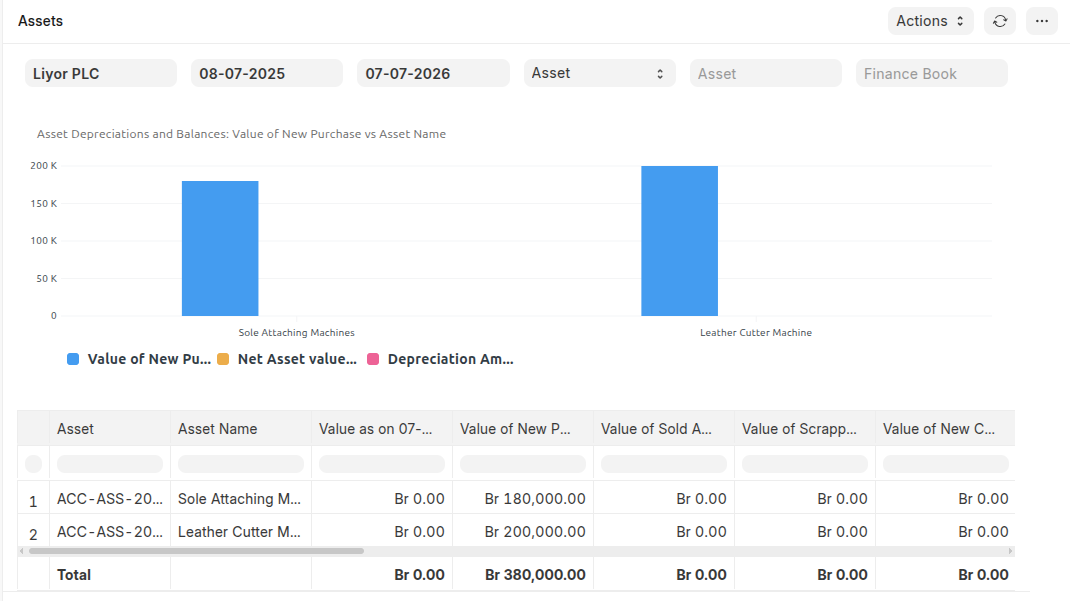
Asset Depreciations and Balances
The Asset Depreciation and Balances Report provides a detailed overview of asset values, costs, and depreciation over a specified period. It allows users to track asset financials, assess depreciation, and calculate net asset value. With features like grouping by asset or Asset Category, flexible filtering, and real-time data retrieval.
To Asset Depreciations and Balances:
Login to ERP > Desktop > Assets > Asset Depreciations and Balances
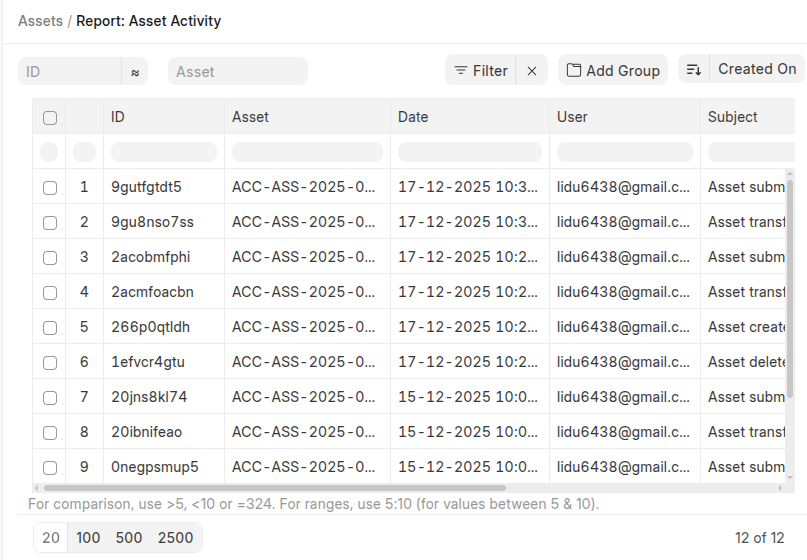
Asset Activity
The Asset Activity report lets you see all the activities an asset went through at a single place.
To Asset Activity:
Login to ERP > Desktop > Assets > Asset Activity
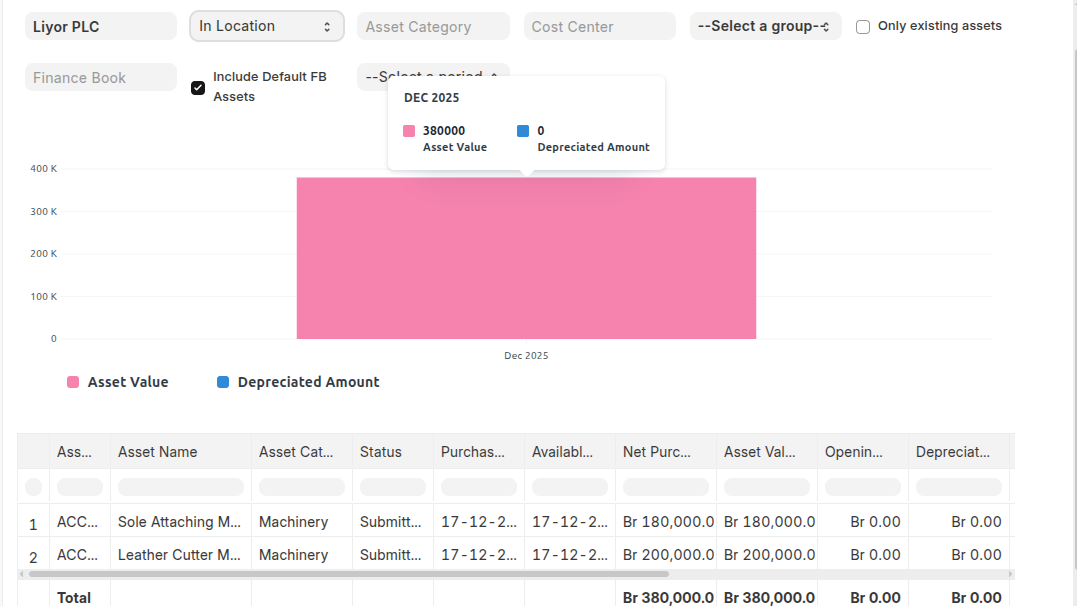
Fixed Asset Register
Fixed asset register provides a unified view of all the details regarding current status of an asset. A Fixed asset register tracks all the fixed assets that the you have created.
To Asset Activity:
Login to ERP > Desktop > Assets > Fixed Asset Register