Quality Inspection is the process of checking items or processes against defined quality standards to ensure they meet required specifications.
To Access: Login to ERP > Desktop > Qaulity > Quality Inspection
Create Quality Inspection
- Go to Quality Inspection
- Click Add Quality Inspection
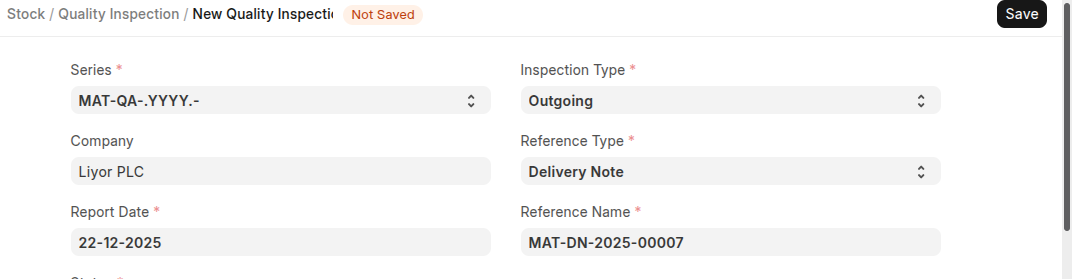
- Select Inspection type (incoming/outgoing/inprocess)
- Select Rerefence Type and Reference Name
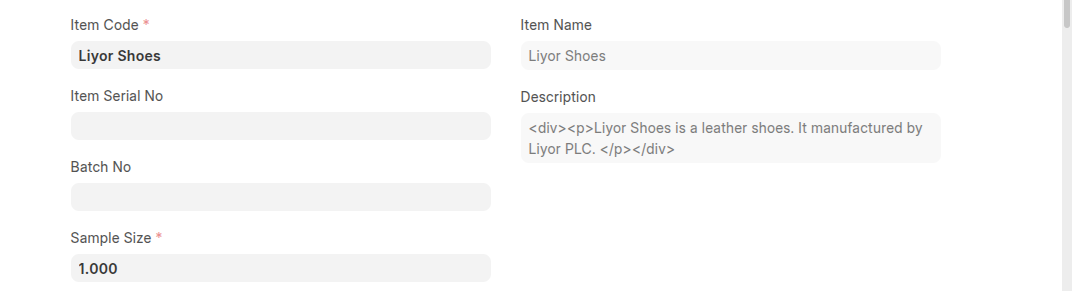
- Select Item code which it need to be quality insprect and set sample size
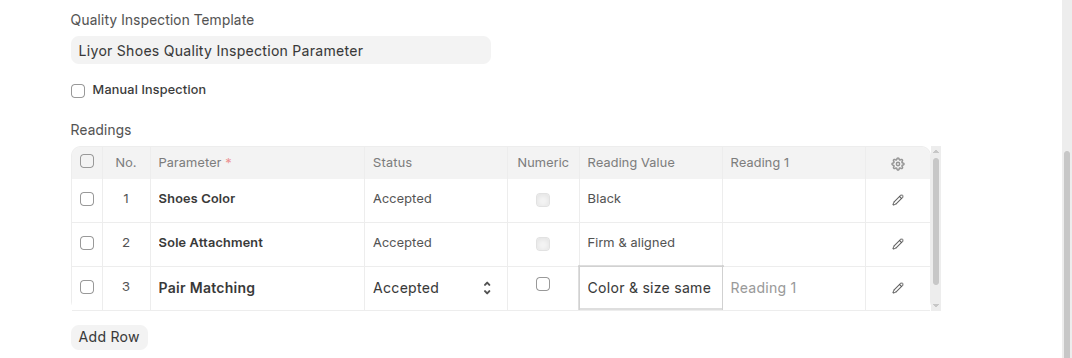
- Select Quality inspection tamplate, one you add quality inspection tamplate all parameter are displayed in the reading table.
- Add Reading value for all parameters in the Reading Table, the system automatically et the status either accepted or rejected based on your reading value.
- Set Verified by which the one who verified the quality inspection and add some remarks
- Click Save
Last updated 6 months ago
Was this helpful?