Leave Type defines the different kinds of leaves employees can apply for, based on company policies.
To access Leave Type, go to:
Login > Desktop > Human Resources > Leave Type
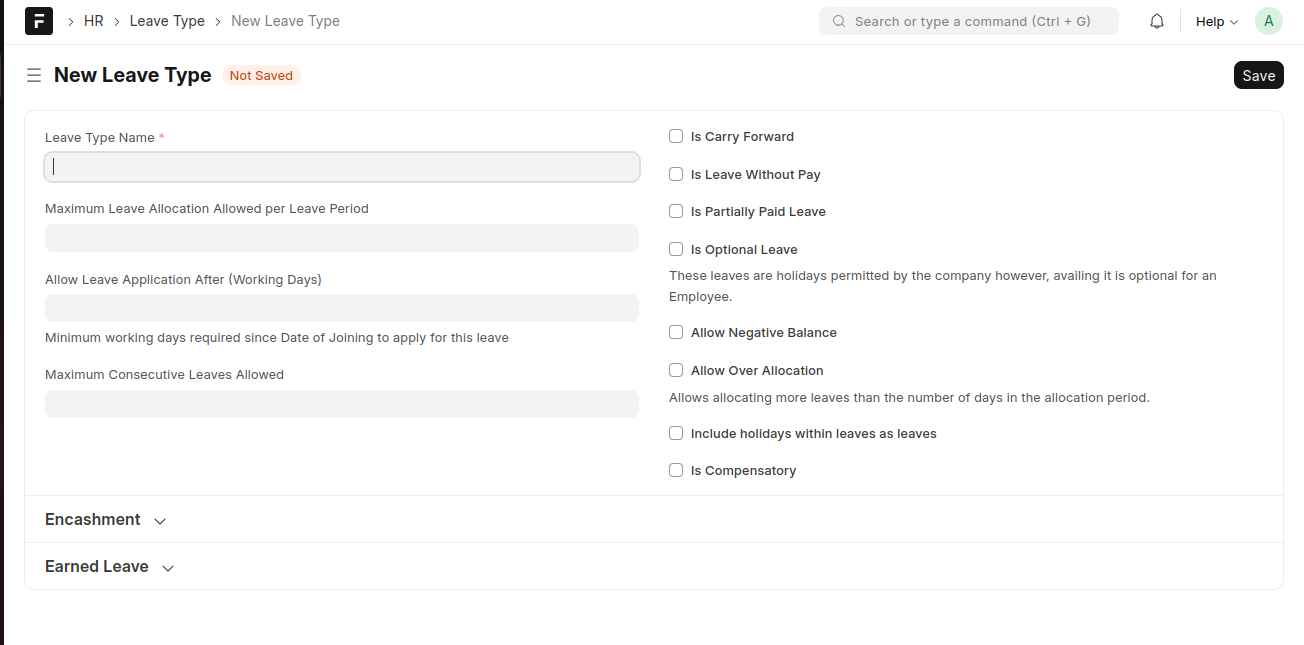
create a Leave Type
- Go to Leave Type and click Add Leave Type
- Enter the Leave Type Name
- Set leave rules and options as required
- Click Save
Last updated 6 months ago
Was this helpful?