Asset Maintenance refers to any activity done on Assets to maintain their performance or condition.
To Access: Login to ERP > Desktop > Assets > Asset Maintenance
Create Asset Maintenance
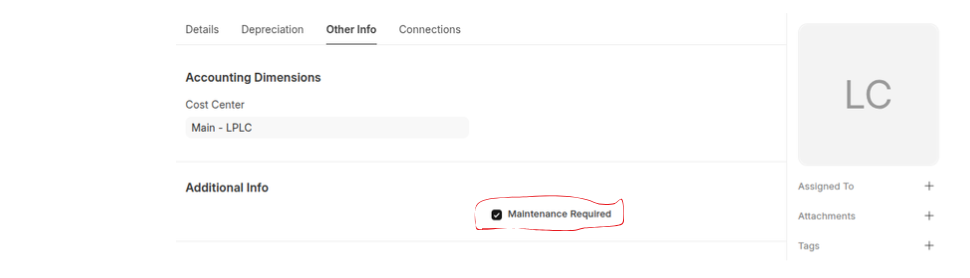
Before creating and using Asset Maintenance, it is advised to create an Asset with 'Maintenance Required' checked.
- Go to Asset Maintenance
- Click Add Asset Maintenance
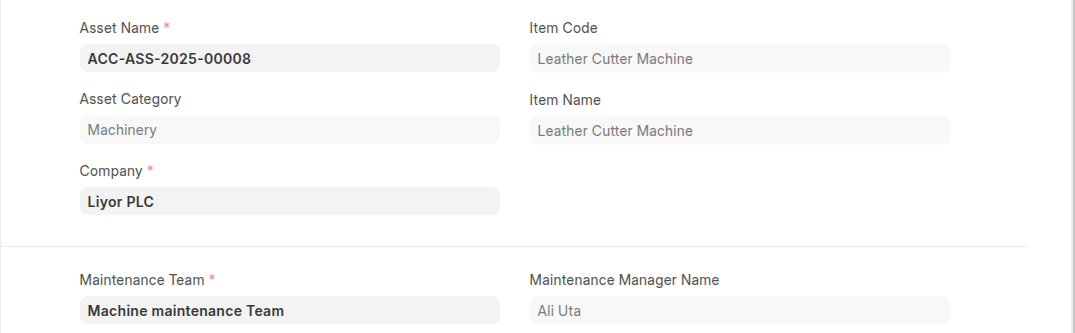
- Select Asset and maintenance team
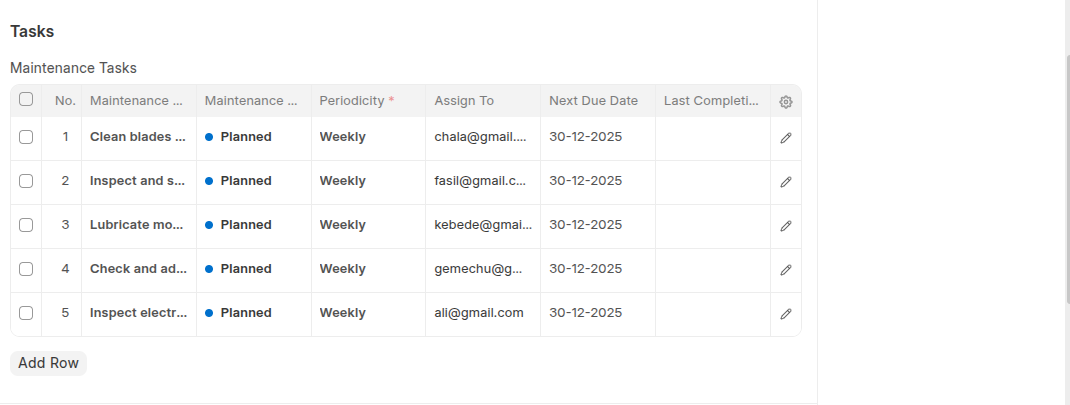
- List maintenance tasks with their detail in the Maintenance Tasks table
- Click Save
Last updated 6 months ago
Was this helpful?