Suppliers are companies or individuals who provide you with products or services.
To Access: Login to ERP > Desktop > Buying > Supplier
Create Supplier
- Go to Supplier
- Click Add Supplier
- Enter Supplier Name
- Select Supplier Type and Supplier Group
- Click Save
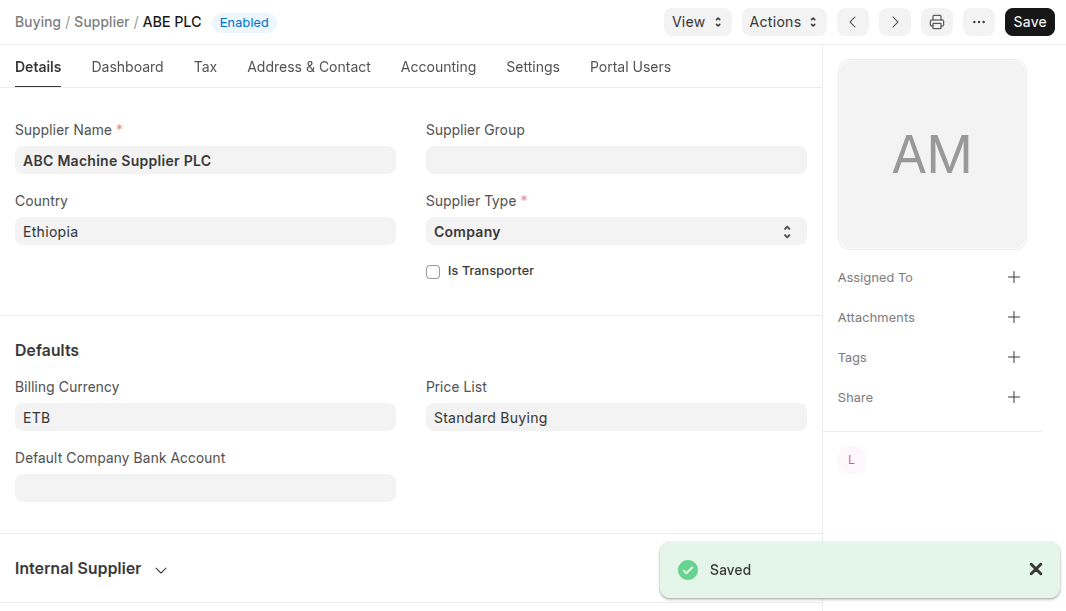 Additional Featurs
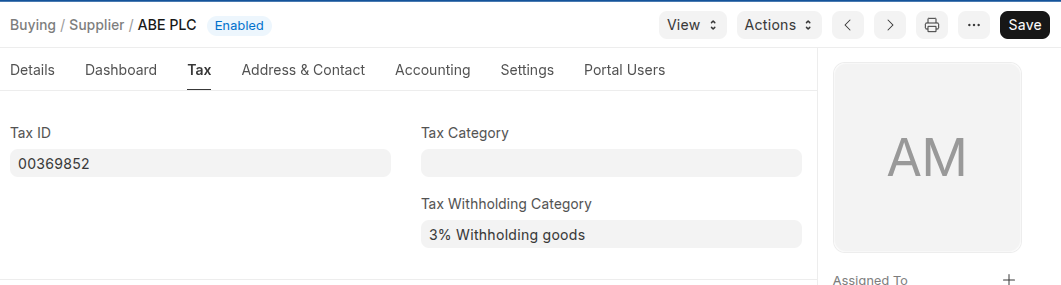
- In the Tax Section You can set Supplier Tax Id, Tax Category and Tax Withhodling category
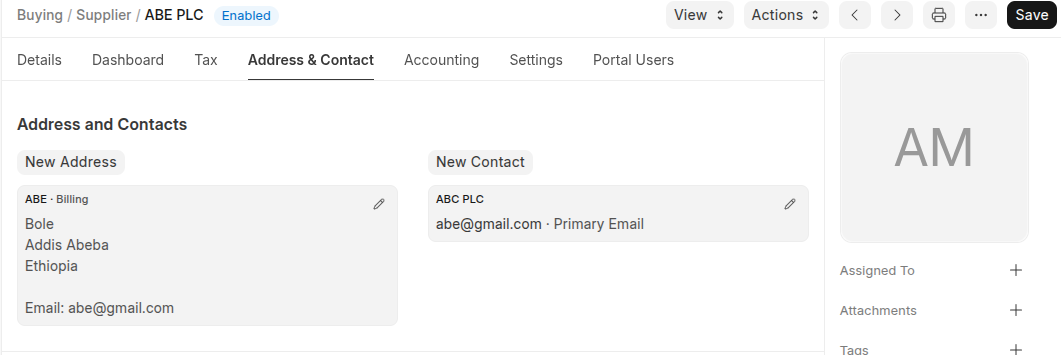
- Set Address and Contacts in the Address and Contacts
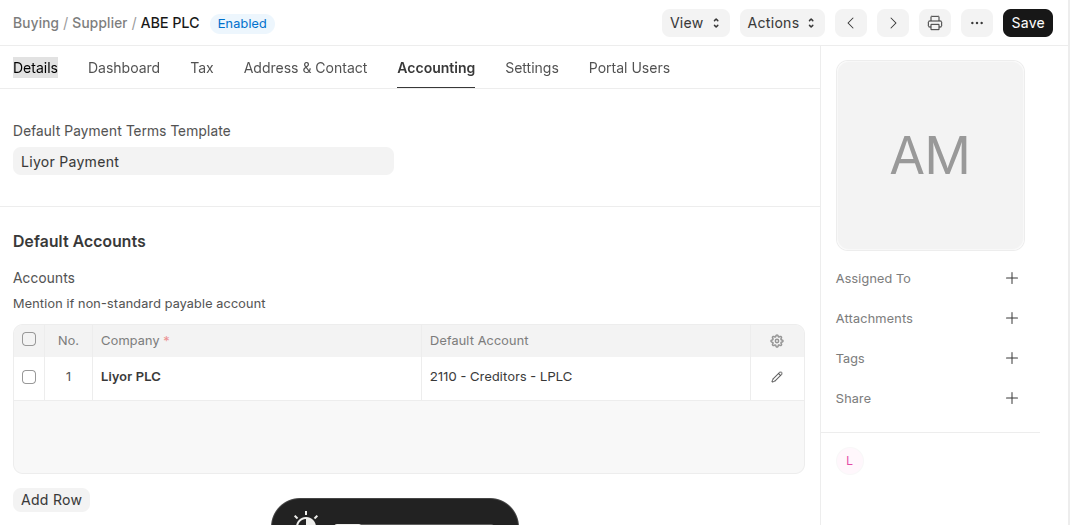
- In the Accounting section you can set Default Payment Terms Template.
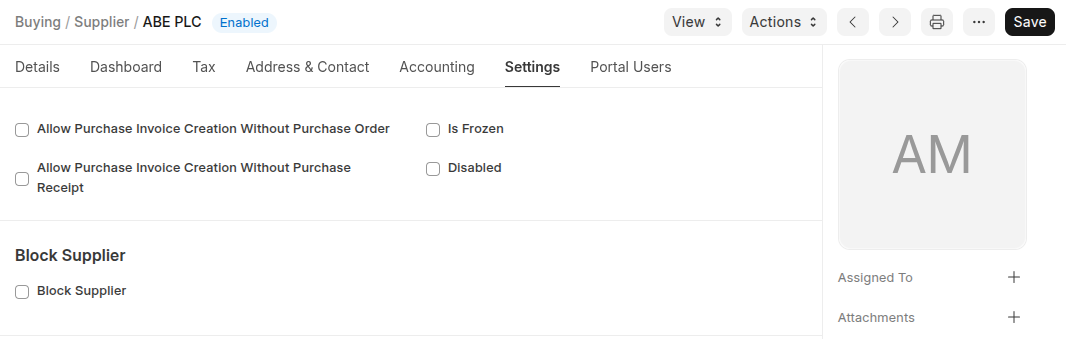
- You can manage you supplier in the setting section
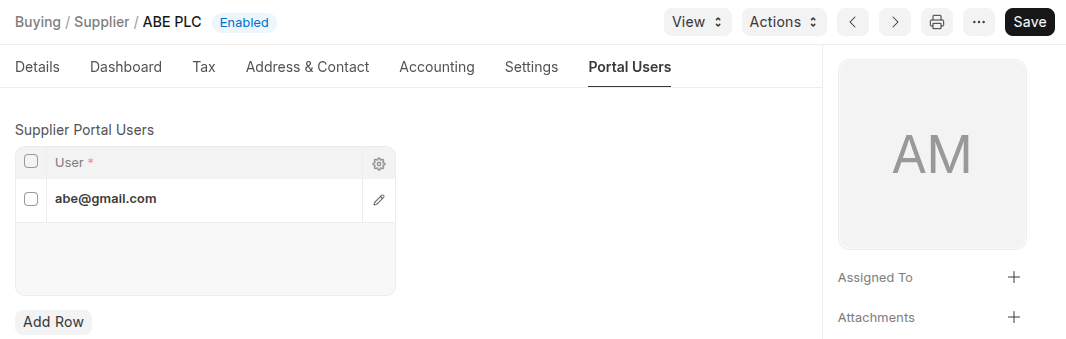
- If the Supplier have portal account set the account in the portal users sections
Last updated 6 months ago
Was this helpful?