A Job Applicant is a person who applies for a job in your company against a specific Job Opening.
In Frappe HR, you can track and manage all applicants for open positions.
To access Job Applicant, go to:
Login > Desktop > Recruitment > Job Applicant
Create a Job Applicant
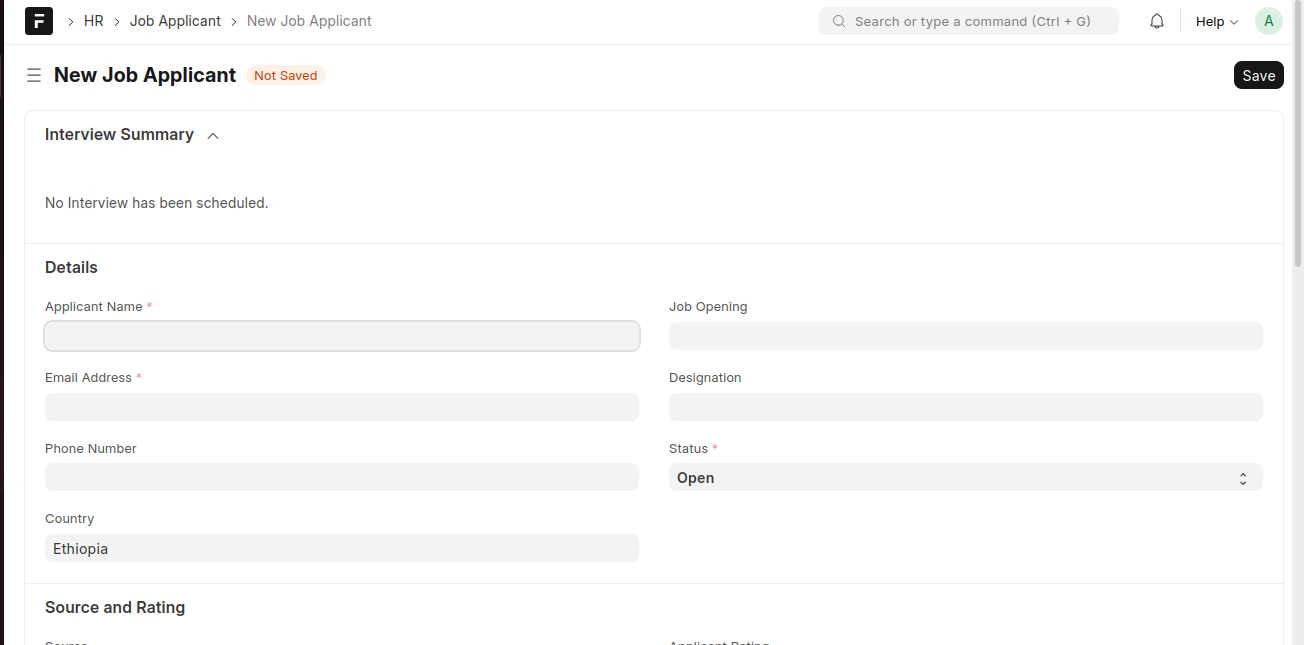
- Click Add Job Applicant.
- Enter the Applicant Name and Email Address.
- Select the related Job Opening.
- Set the Status.
- Click Save.
Last updated 6 months ago
Was this helpful?