HR Settings allow you to configure global settings for HR-related processes such as employee records, leave, expenses, attendance, hiring, and exits.
To access HR Settings, go to:
Login > Desktop > Human Resources > HR Settings
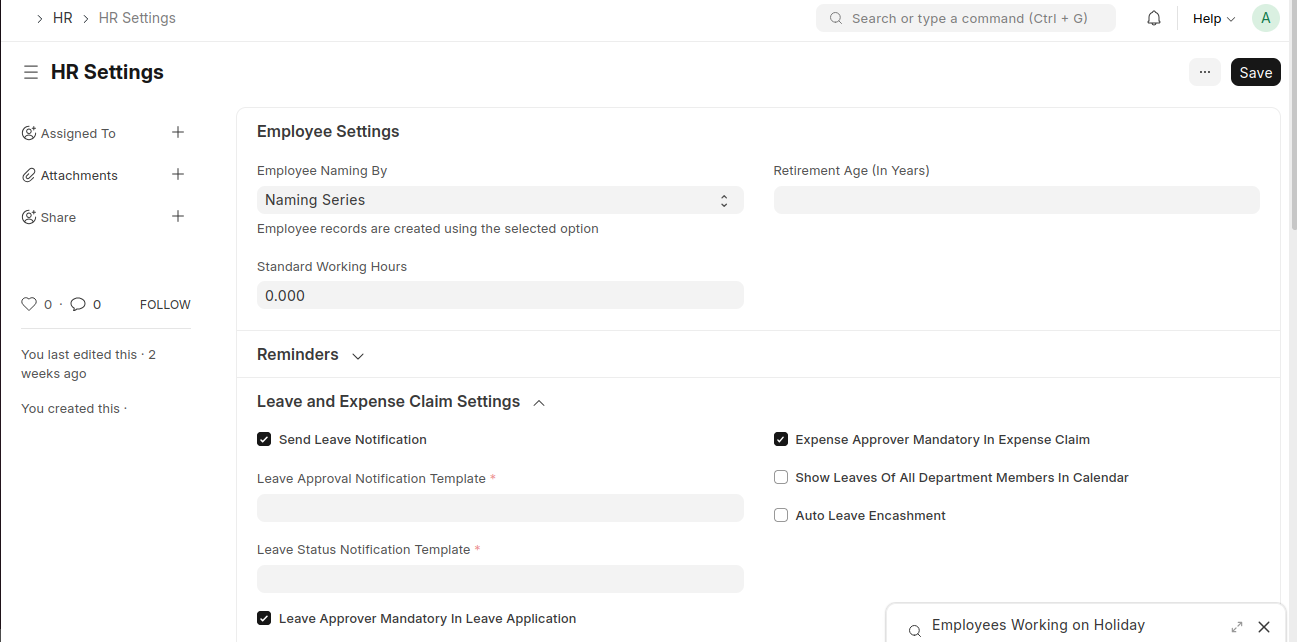
configure HR Settings
- Go to HR Settings
- Update Employee Settings like naming series, retirement age, and standard working hours
- Configure Leave and Expense Claim Settings such as approvals and notifications
- Manage Shift, Hiring, and Employee Exit settings as required
- Enable or disable Attendance Settings like mobile check-in or geolocation
- Click Save
Last updated 6 months ago
Was this helpful?