A Payment Entry is a record indicating that payment has been made for an invoice. Payment Entry can be made against: Sales Invoice, Purchase Invoice, Sales Order (Advance Payment), Purchase Order (Advance Payment), Expense Claim and Internal Transfer.
To Access Payment Entry
Login to ERP > Desktop > Accounting > Payment Entry
Create Payment Entry
- Go to Payment Entry
- Click Add Payment Entry
- You can Change Posting Date
- Select Payment Type Receive , Pay , and Internal Transfer
- Select Payment mode
- Under Payment From/to Section select Party Type, Party, Party Name
- Under Accounts Section Select Account Paid from and Account Paid to
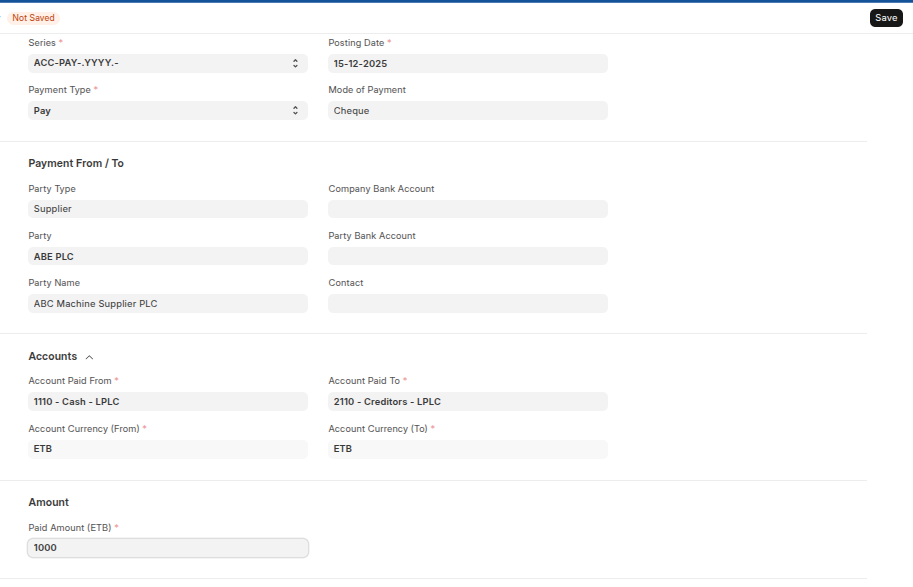
- Set Paid Amount
- Set reference/cheque number and reference date
- Save and Submit.
Note: Under reference section you can get the reference documents of the payment from the invoice and from the order using get outstanding invoice and get outstanding order respectively.
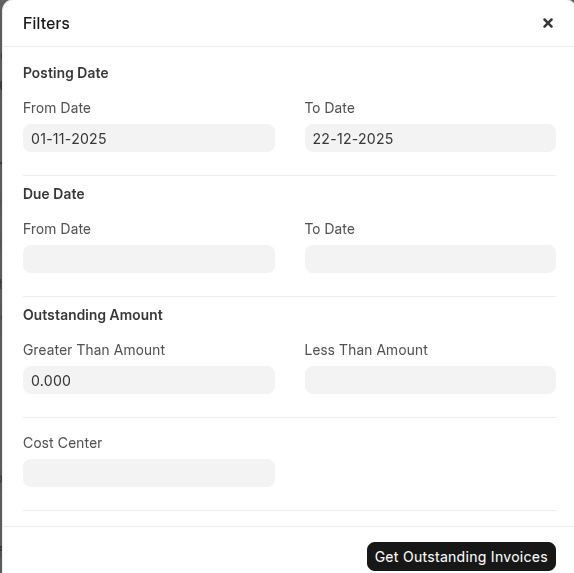
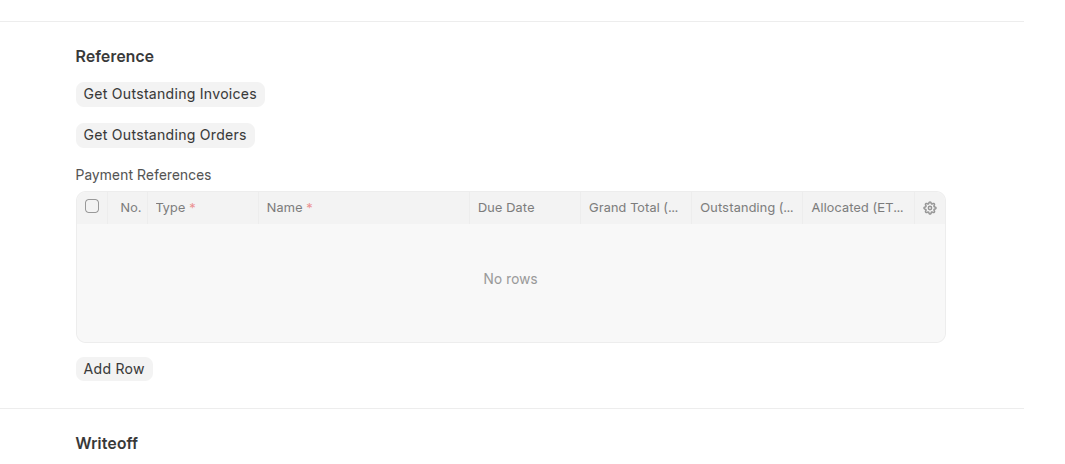 Click then to fetch the reference then you can filter by Posting Date, Due date and Outstanding Amount.
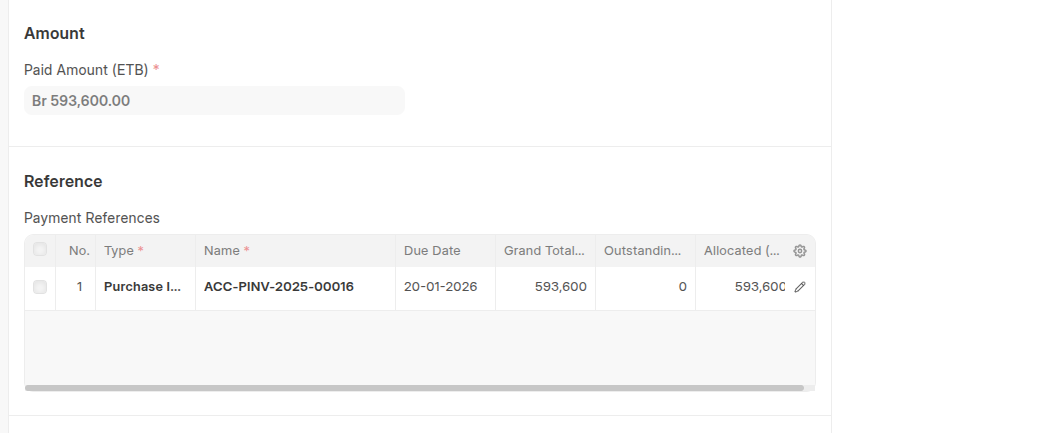
Once you clicked get outsatnding invoice/order the invoice/order will be fetched in the Payment References from invoice/order.
Last updated 6 months ago
Was this helpful?