An Overtime Type defines how employees are compensated for working beyond standard working hours. To access Overtime Type, go to:
Login > Desktop > Human Resource > Overtime Type
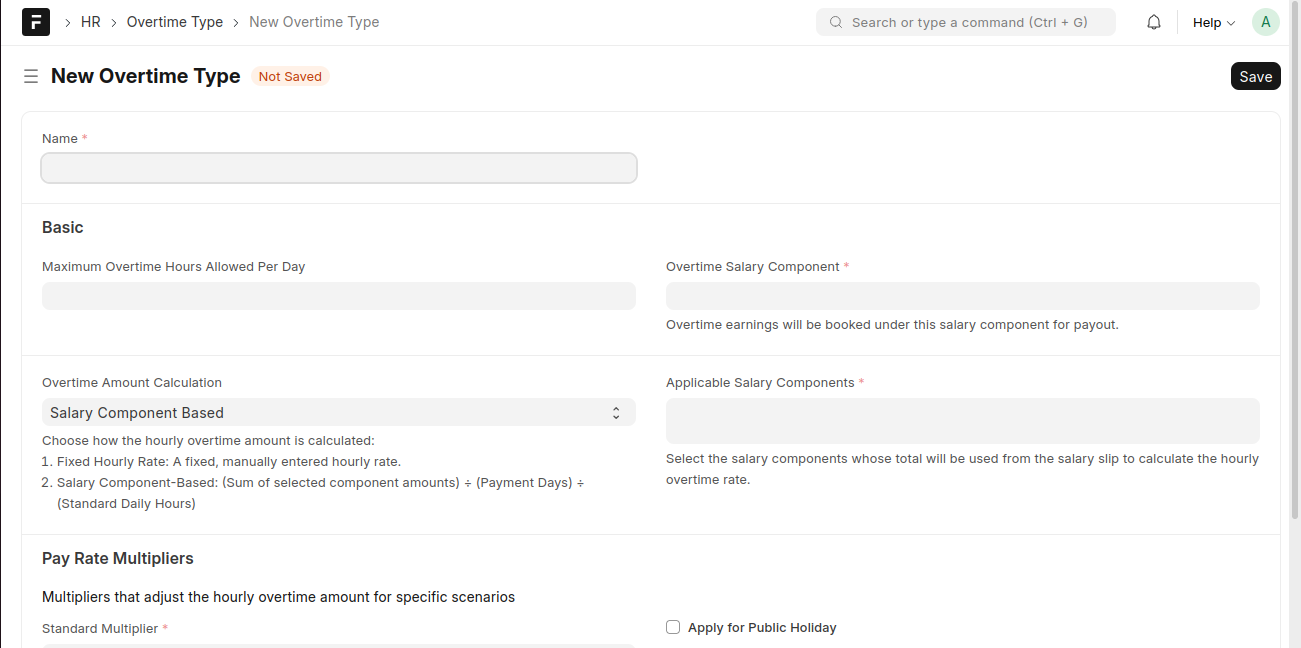
Create an Overtime Type
- Click New Overtime Type.
- Enter a Name.
- Set the Maximum Overtime Hours Allowed Per Day.
- Select the Overtime Salary Component.
- Choose the Overtime Amount Calculation method.
- Configure Applicable Salary Components and Pay Rate Multipliers.
- Click Save.
Last updated 6 months ago
Was this helpful?