Interview Feedback consists of ratings and comments provided by interviewers after evaluating a job applicant during an interview.
It helps assess candidate performance and supports hiring decisions.
To access Interview Feedback, go to:
Login > Desktop > Recruitment > Interview Feedback
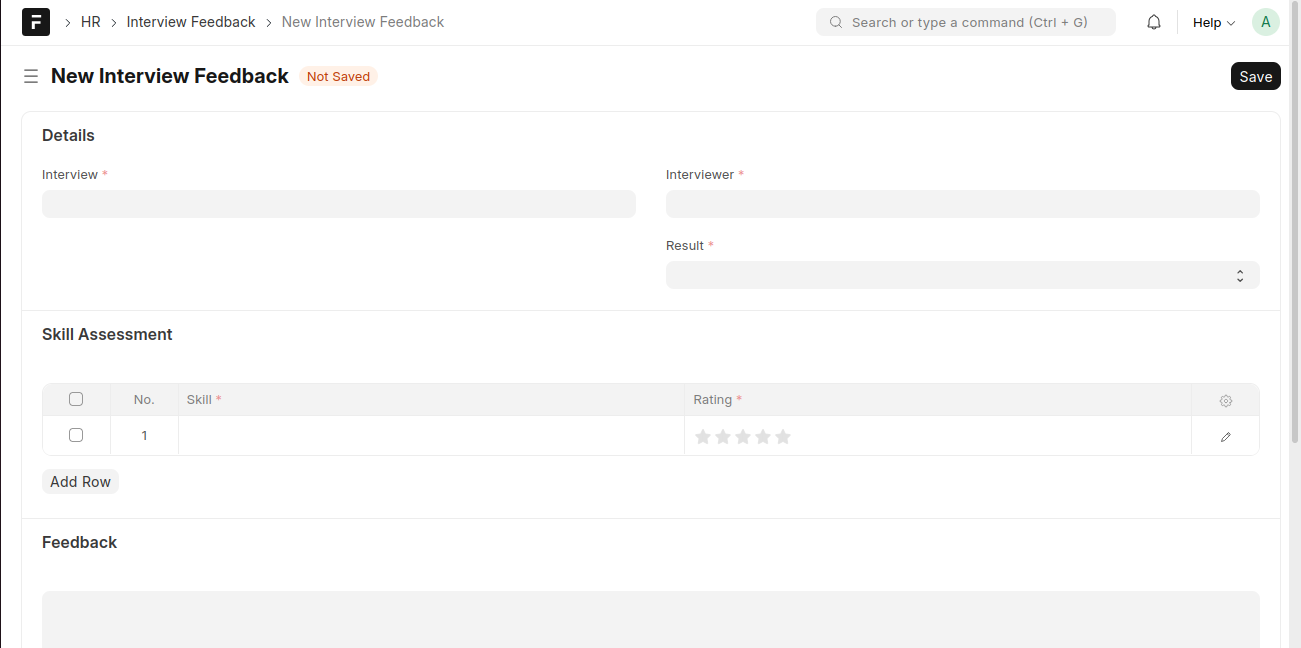
Create Interview Feedback
- Click Add Interview Feedback.
- Select the related Interview.
- Select the Interviewer.
- Set the Result.
- In the Skill Assessment section, add skills and provide Ratings.
- Enter overall Feedback comments.
- Click Save.
Last updated 6 months ago
Was this helpful?