Quality Feedback is the information that a Customer expresses about the satisfaction or dissatisfaction about the products or services you offer.
To Access:
Login to ERP > Desktop > Quality > Quality Feedback
Create Quality Feedback
- Go to Quality Feedback
- Click Add Quality Feedback
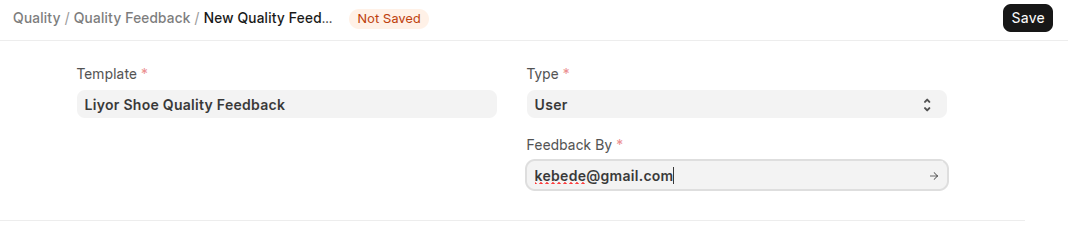
- Select template, type(either customer or user) and feedback by
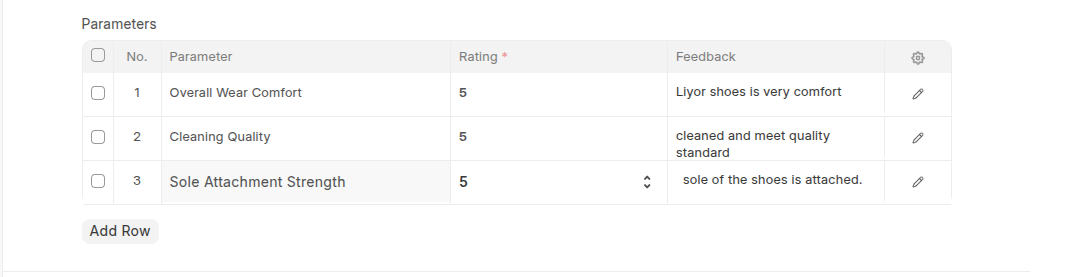
- Set Rate for all paramenters in the parameters table
- Click Save
Last updated 6 months ago
Was this helpful?