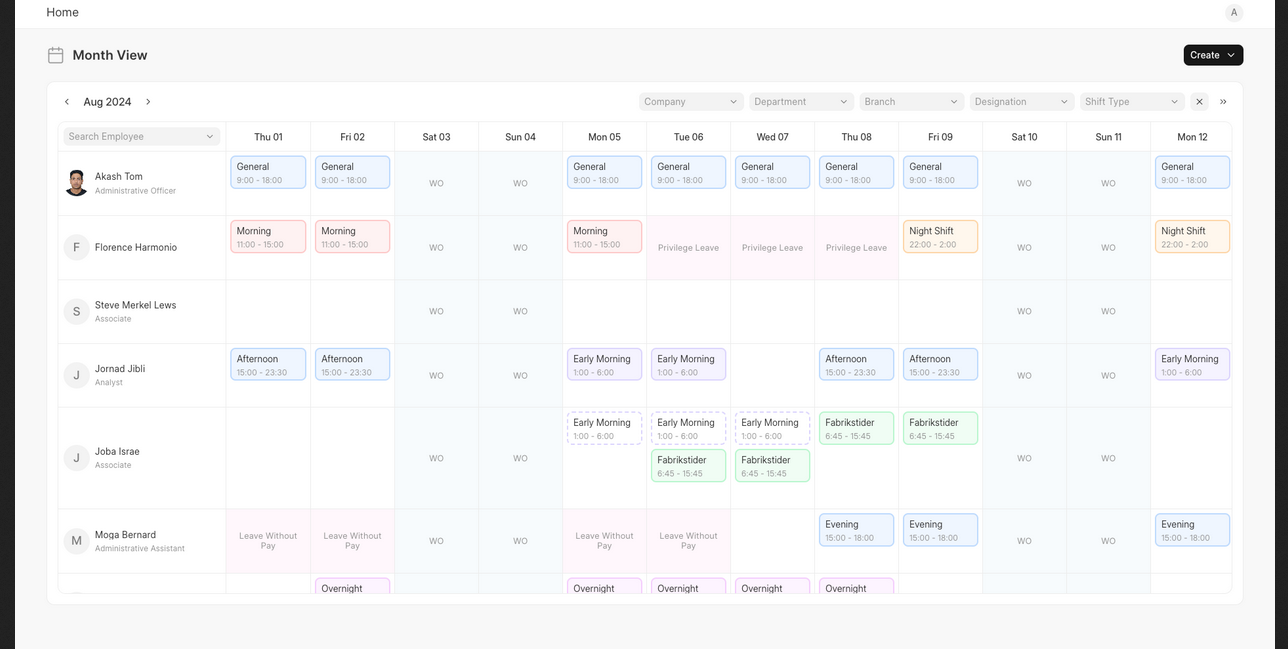
The Roster provides a visual view of employee schedules by mapping Shifts, Leaves, and Holidays in an employee-versus-day layout for a selected month.
It helps plan and review workforce availability at a glance.
To access Roster, go to:
Login > Desktop > HR > Roster
To Use Roster
- Open the Roster page.
- Select the Month to view.
- Filter by Company, Department, Branch, Designation, Shift Type, or Shift Location as needed.
- Search for an Employee to view their schedule.
Last updated 6 months ago
Was this helpful?