Payment Reconciliation
Payment Reconciliation is used to link payments with invoices.
To Access: Login to ERP > Desktop > Accounting > Payment Reconciliation
To Reconcile Payment
- Go to Payment Reconciliation
- Select Party type and Party
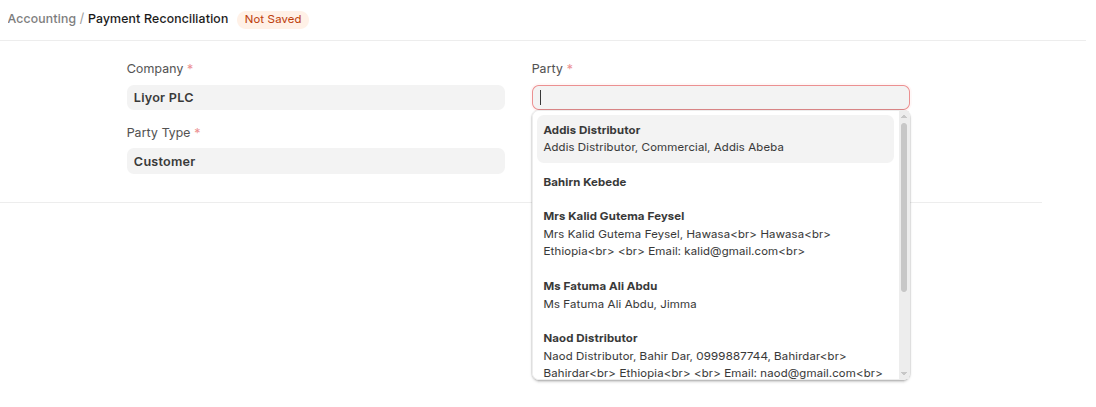
- You can filters by various filters criterias then click Get Unrecolciled Entry
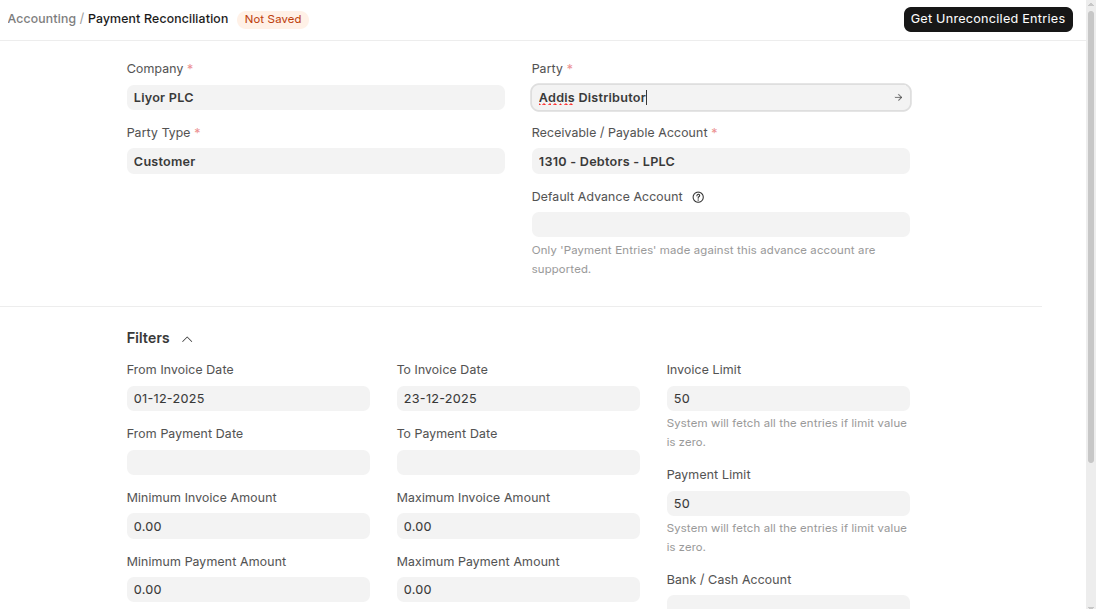
- Once you clicked Get Unrecolciled Entry Unreconciled Entries will be dispayed.
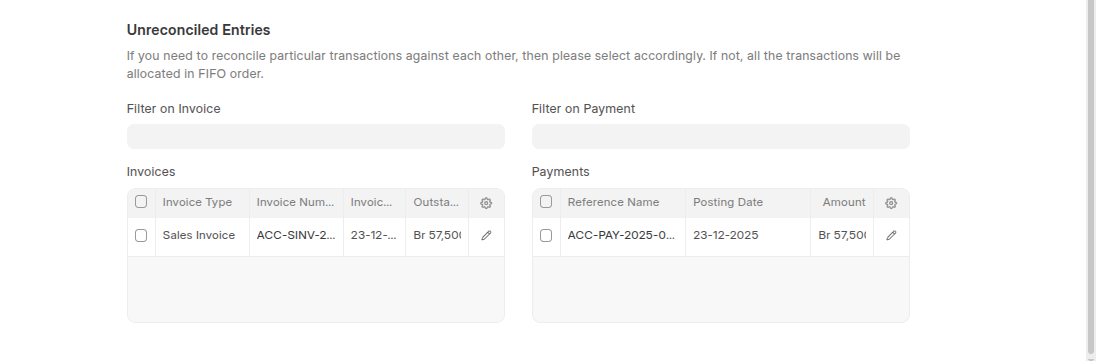
- Select the entry that you want reconcile both payment and invoice then click allocate then click Reconcile
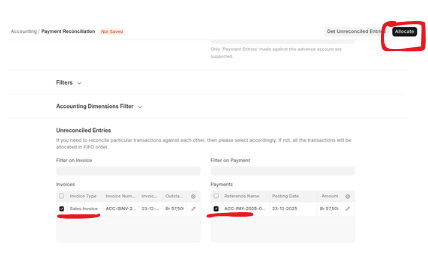
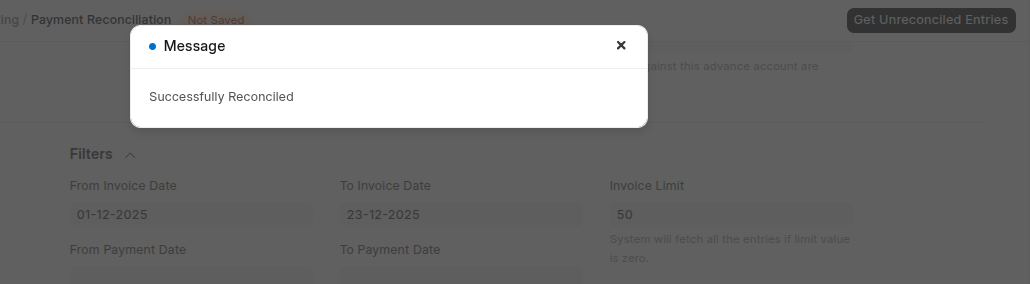
After Reconcilation you will see successfull popup.
Last updated 6 months ago
Was this helpful?