Purchase Receipts are made when you accept Items from your Supplier usually against a Purchase Order.
To Access:
Login to ERP > Desktop > Stock > Purchase Receipt
Create Purchase Receipt
Before creating and using a Purchase Receipt, it is advised that you create Purchase Order.
- Go to Purchase Receipt
- Click Add Purchase Receipt
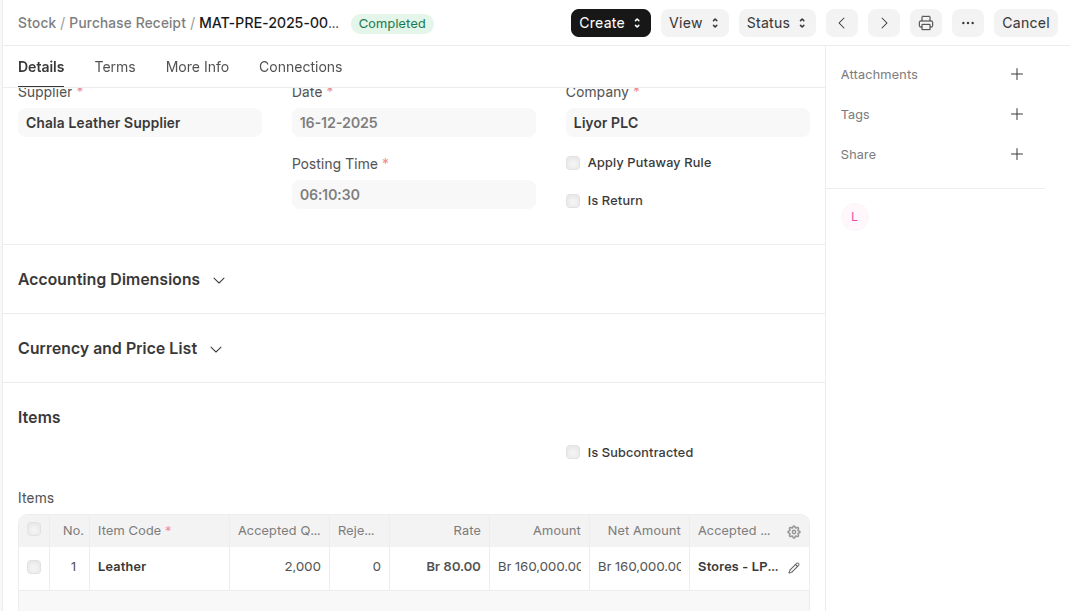
- Select Supplier
- Under Accounting Dimensions Section select Cost center
- In the Items table click add row to add items then set quantities and warehouse.
- Under Taxes and Charges section select Purchase Taxes and Charges Template
- Save and Submit
Last updated 6 months ago
Was this helpful?