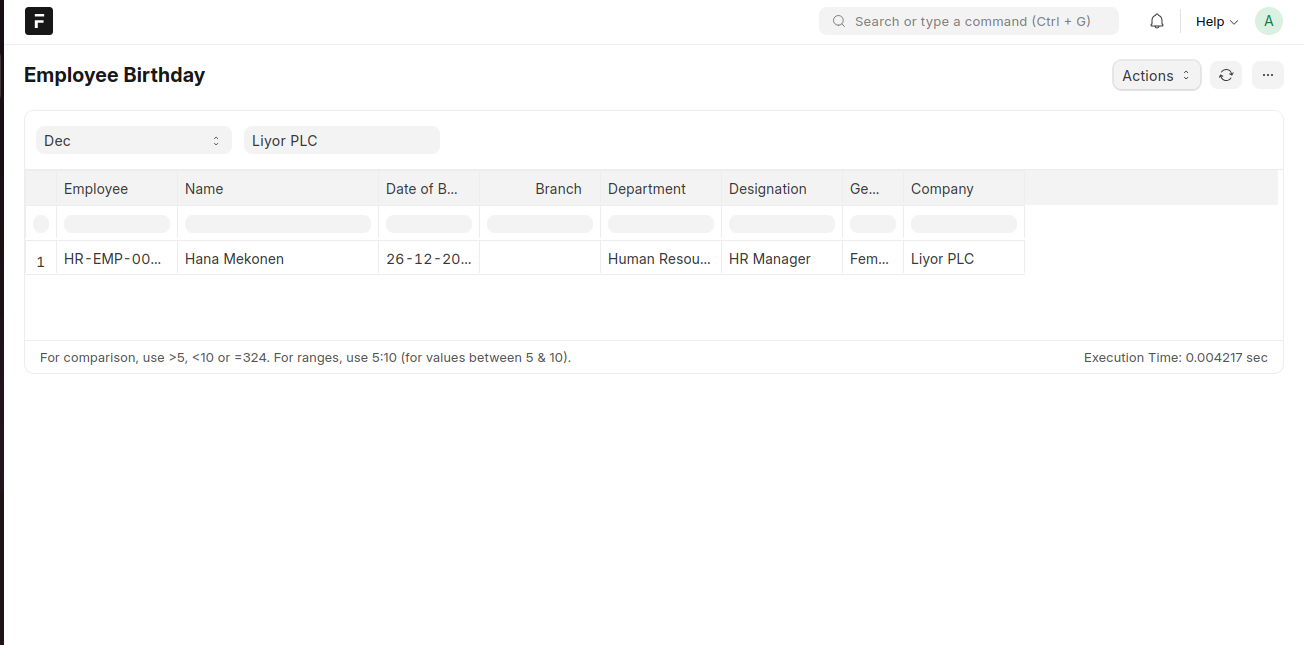
The Employee Birthday module provides a list of employees with their birthdays for a given month. This helps HR track and acknowledge employee birthdays.
To access Employee Birthday, go to:
Login > Desktop > Human Resources > Employee Birthday
To use Employee Birthday
- Select the Month (e.g., December) to view employees' birthdays in that month.
- You can see Employee Name, Date of Birth, Department, Designation, and Gender.
- Click Apply Filters if necessary.
Last updated 6 months ago
Was this helpful?