A Shift Assignment links an employee to a specific shift for a defined period. To access Shift Assignment, go to:
Login > Desktop > Human Resource > Shift Assignment
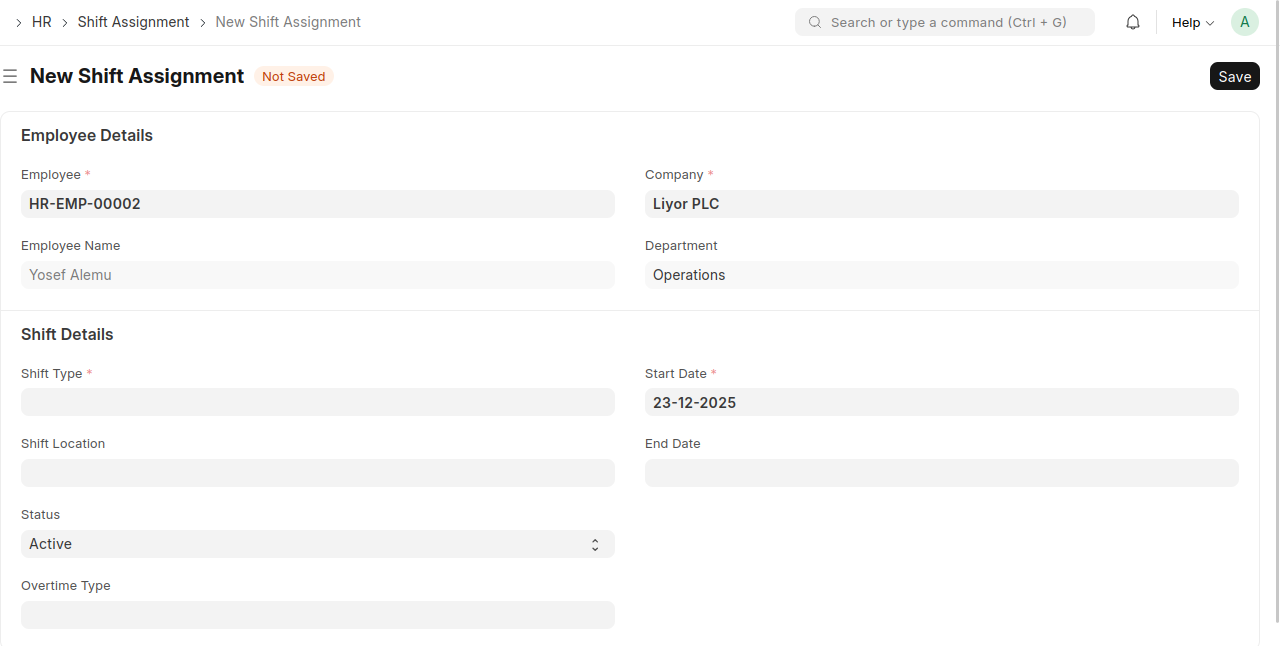
Create a Shift Assignment
- Click New Shift Assignment.
- Select the Employee and Company.
- Choose the Shift Type.
- Set the Start Date and optional End Date.
- Select the Shift Location (if applicable).
- Set the Status.
- Click Save.
Last updated 6 months ago
Was this helpful?