A Shift Schedule defines recurring shift assignments based on selected days and frequency. To access Shift Schedule Assignment, go to:
Login > Desktop > Human Resource > Shift Schedule
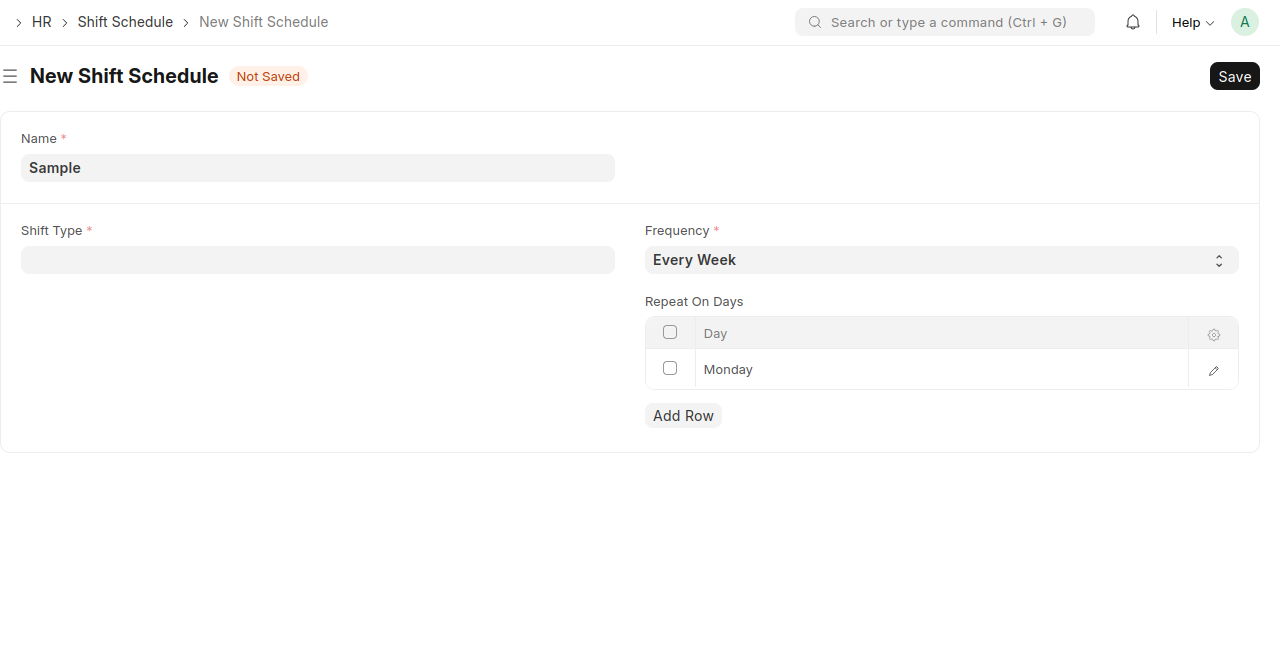
Create a Shift Schedule
- Click New Shift Schedule.
- Enter a Name.
- Select the Shift Type.
- Set the Frequency.
- Choose the Repeat On Days.
- Click Save.
Last updated 6 months ago
Was this helpful?