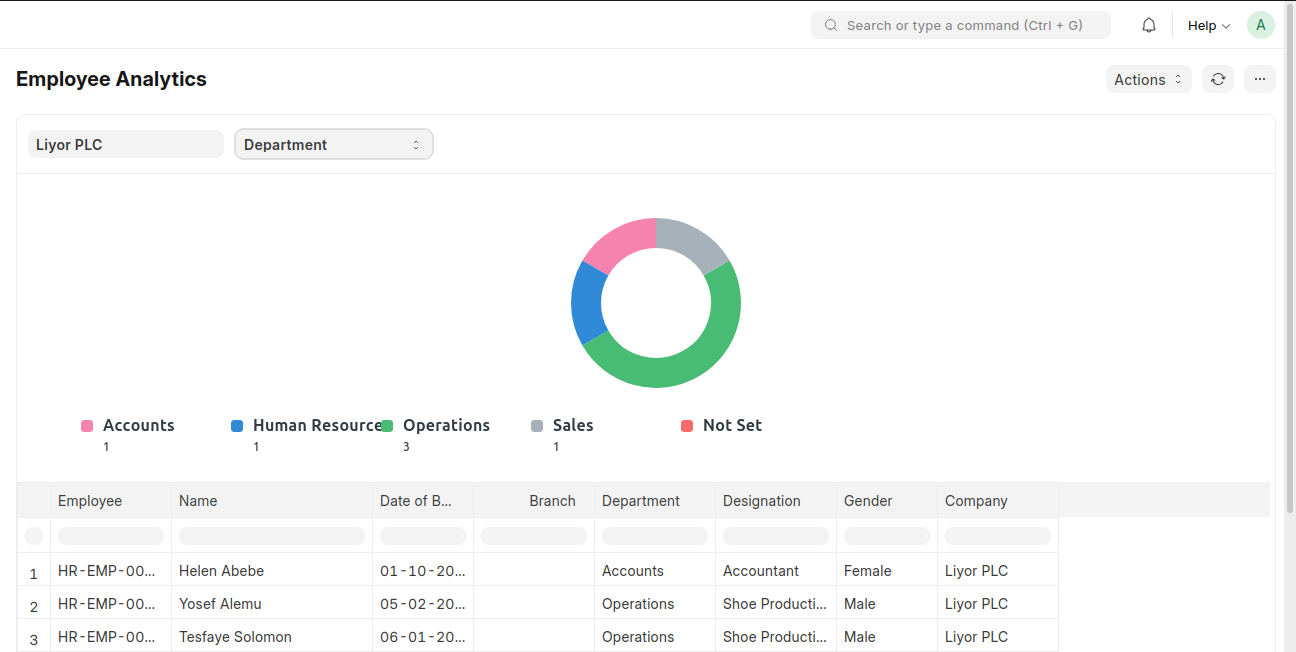
Employee Analytics provides insights into employee data and key metrics for performance tracking.
To access Employee Analytics, go to:
Login > Desktop > Human Resources > Employee Analytics
Employee Analytics
- Select the Company.
- Choose the Parameter (e.g., performance, attendance).
- Set filters as needed.
Last updated 6 months ago
Was this helpful?