A Journal Entry is an entry made in the general ledger and it indicates the affected accounts. A Journal Entry is a multi purpose transaction where the debit and credit accounts can be selected.
To Access Journal Entry:
Login to ERP > Desktop > Accounting > Journal Entry
Create Journal Entry
- Go to Journal Entry
- Clcik Add Journal Entry
- Select Entry Type
- Update Posting date as you need
- Under Accounting Entries Table click Add Row then Select accounts and also set thier respective debit and credit amount, and select party and party type
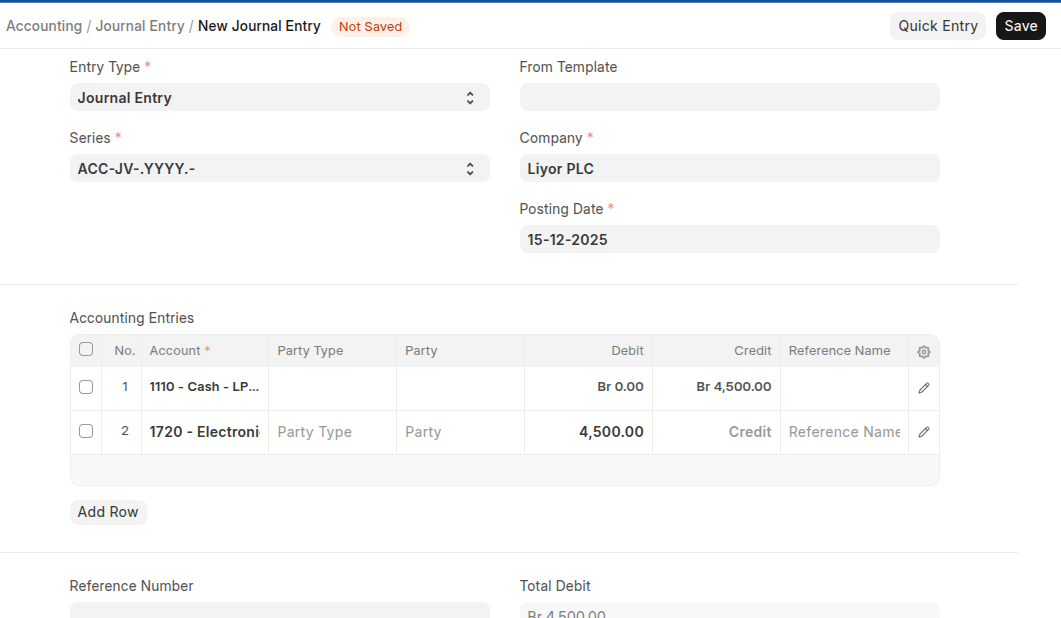
- If you have Journal entry tamplate select the tamplate on the from tamplate field
- Once you select template, all accounts will be dispalyed on the accounting entries table, set the amount with thier debit and credit section.
- Save and Submit
Reverse Journal Entry
If you have created a journal entry with incorrect debit and credit, you can reverse it the correct debit and credit using a reverse journal entry.
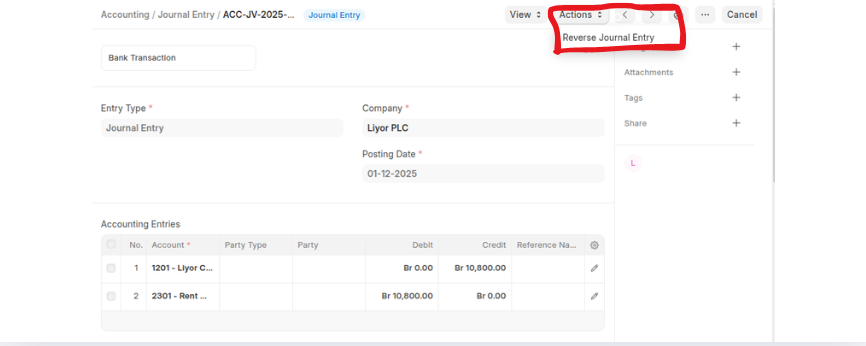 Once you reverse the journal entry review it and click Save then Submit
Journal Entry Types
- Journal entry: This is a general purpose entry type which can be used for different purposes. e.g Expenses, credit salary and soon.
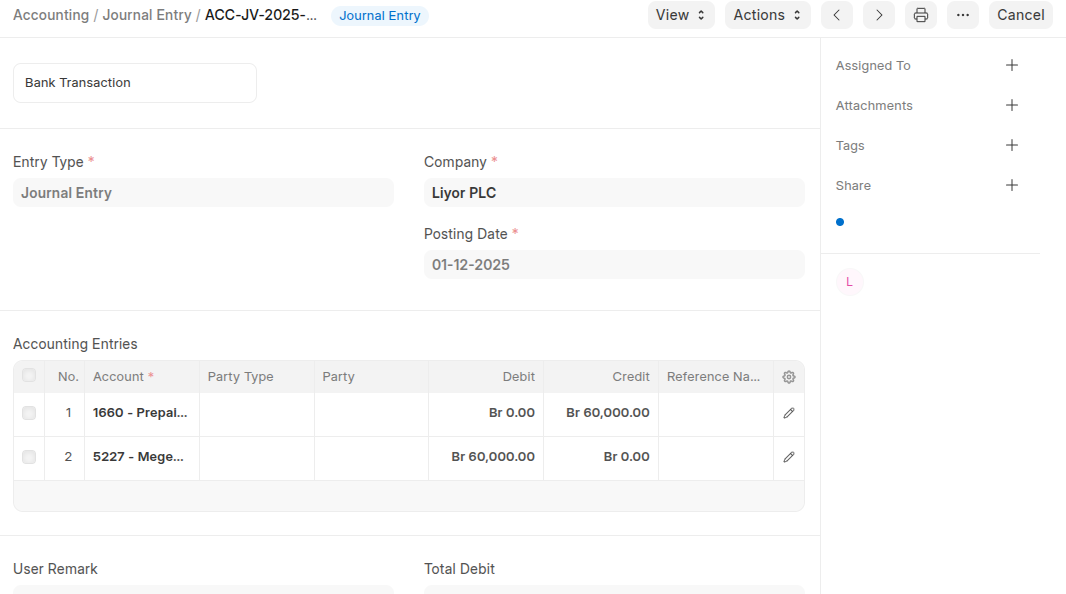
- Inter Company Journal Entry: If a transaction occurs between a parent and child company, or sister companies, or two companies belonging to the same group, this option can be used to make an Inter Company Journal Entry.
- Bank Entry: Use this type when making or receiving a payment using a Bank Account. e.g when you pay utility using bank account.
- Cash Entry: Use this type when making or receiving a payment using a cash account.
- Debit Note: This is a document sent by a customer (your Company) to a supplier (your Supplier) when returning goods/items. When a Debit Note is created, the company can either receive payment from the supplier or adjust the amount against another invoice. You can also enable a tax withholding category and select the appropriate category if tax withholding applies to the returned item.
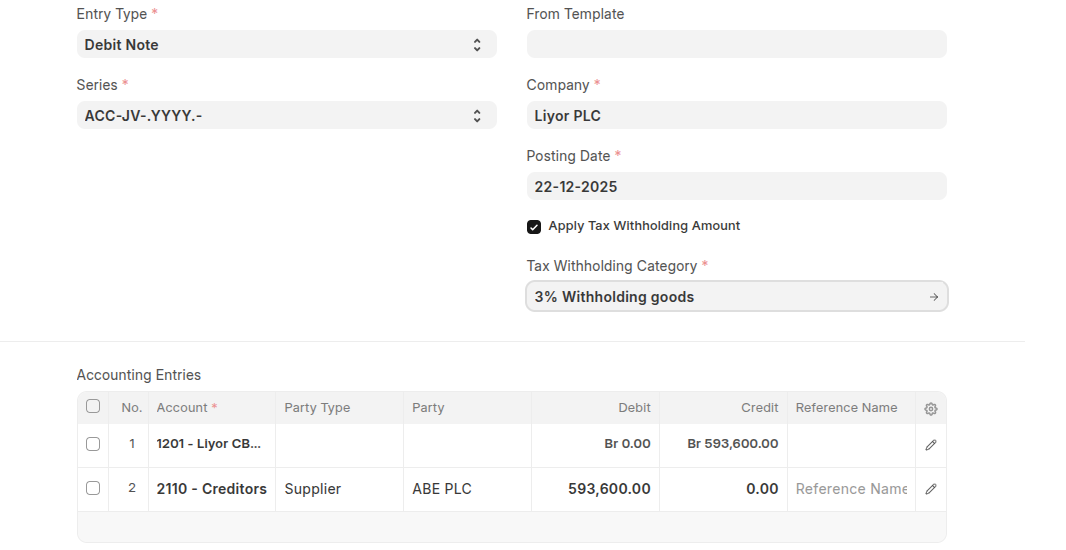
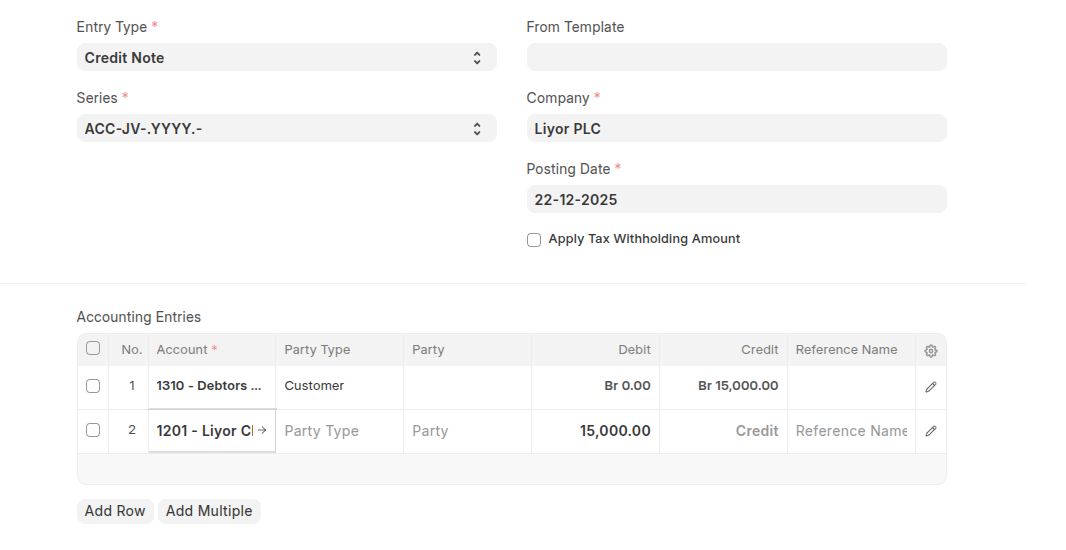
- Credit Note: This is a document sent by a supplier to a customer when returning goods/items. When a Credit Note is made, the seller can either make a payment to the customer or adjust the amount in another invoice.
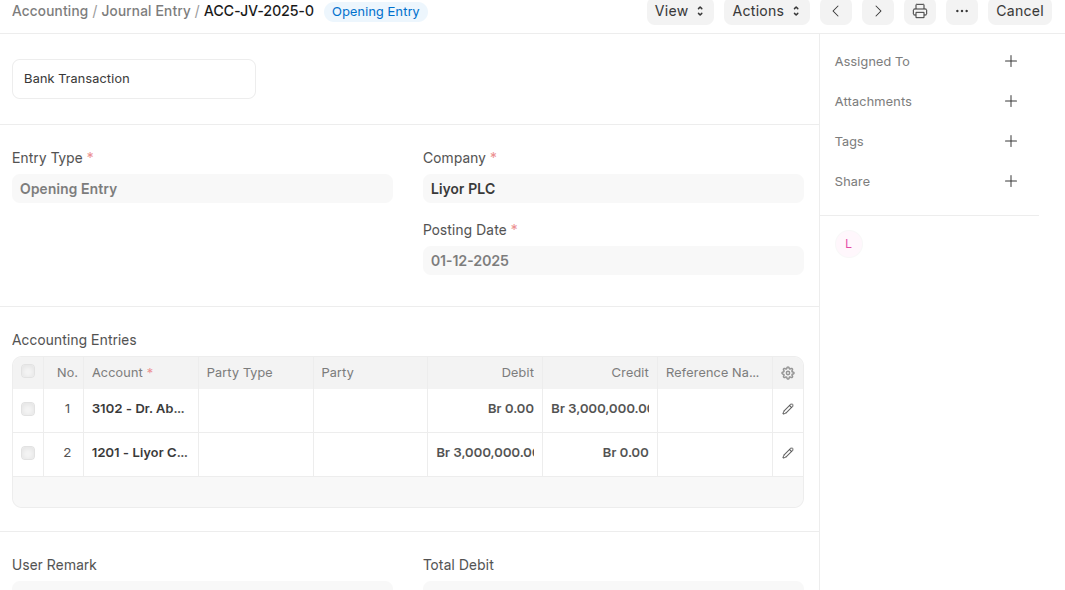
- Opening Entry: This entry is useful when moving from an another software to ERPNext during any time of the year and also used for entering opening balance of the company.
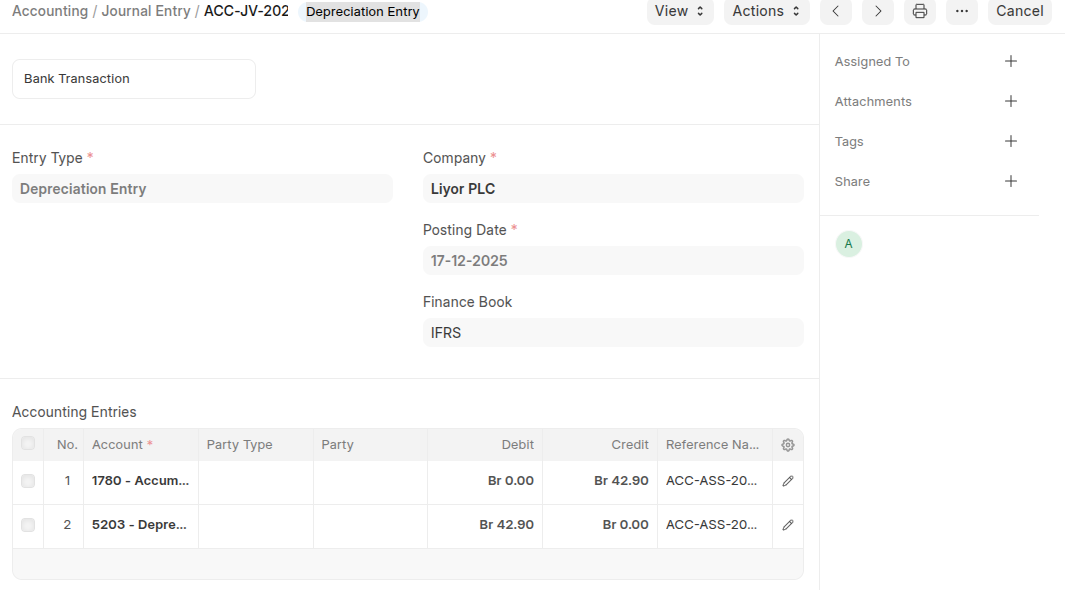
- Depreciation Entry: Used when you write off certain value of your assets as an expense.
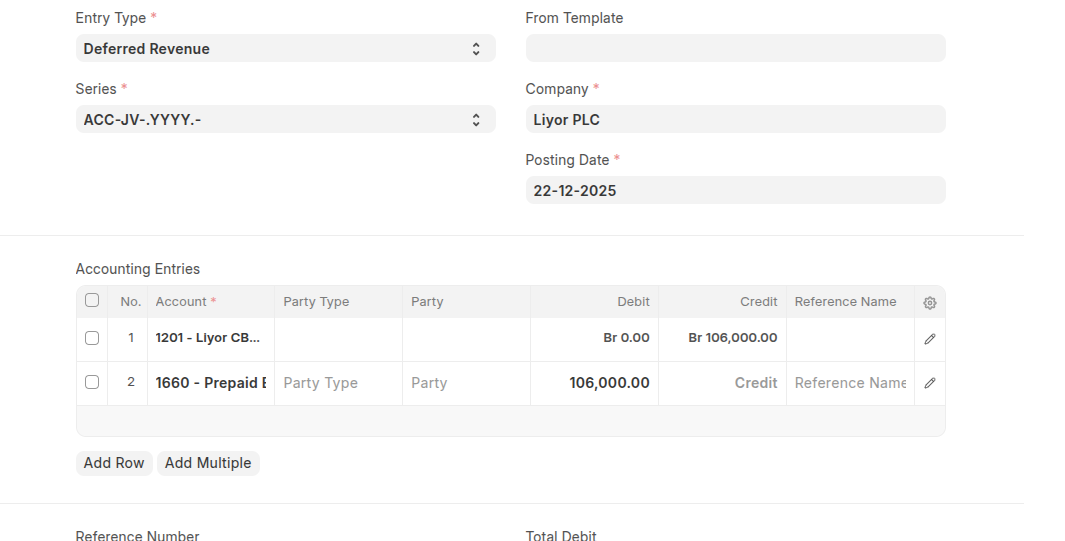
- Deferred Revenue: it used when advance payments a Company receives for products or services that are to be delivered or performed in the future.
- Deferred Expense: this entry used for a cost that has already been incurred, but which has not yet been consumed
Last updated 6 months ago
Was this helpful?