A Sales Invoice is a bill that you send to your Customers against which the Customer makes the payment.
To Access:
Login to ERP > Desktop > Accounting > Sales Invoice
Create Sales Invoice
- Go to Sales Invoice
- Click Add Sales Invoice
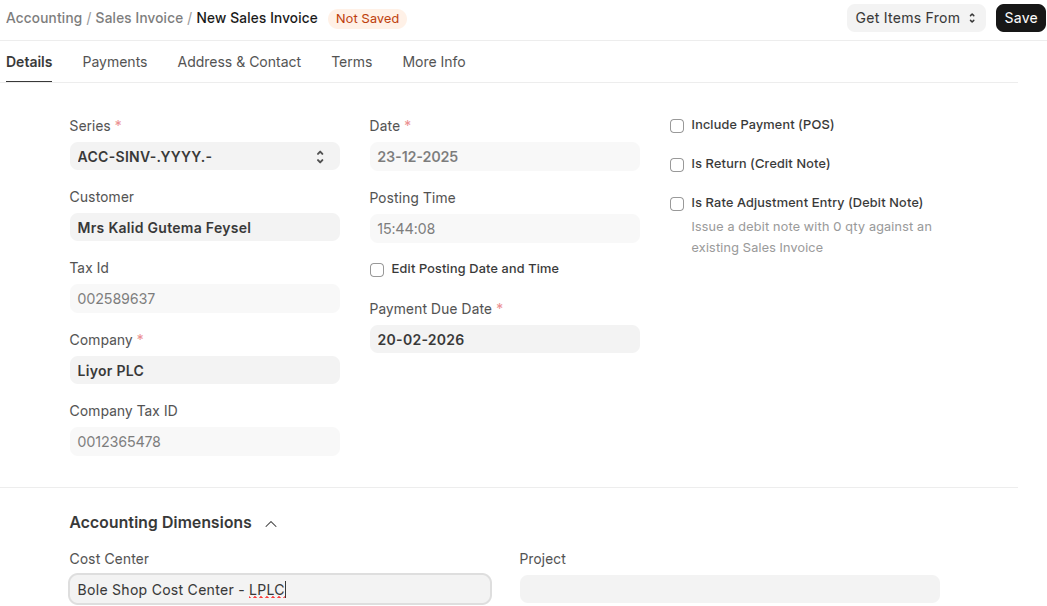
- Select Customers, and also select cost center
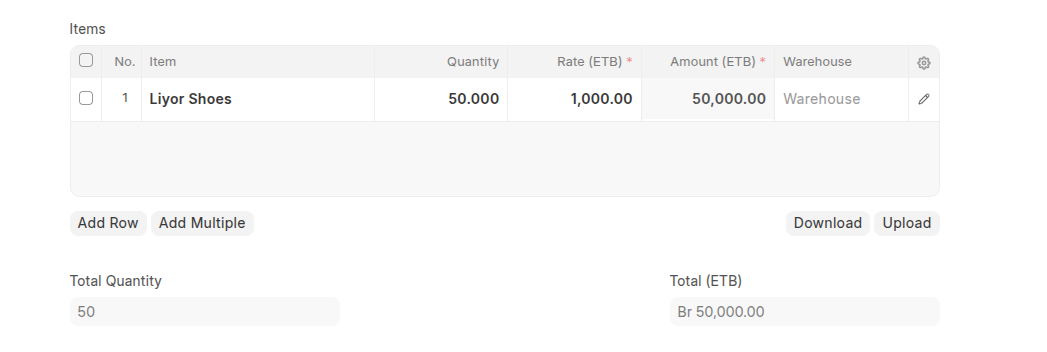
- Add items with thier quantity in the items table
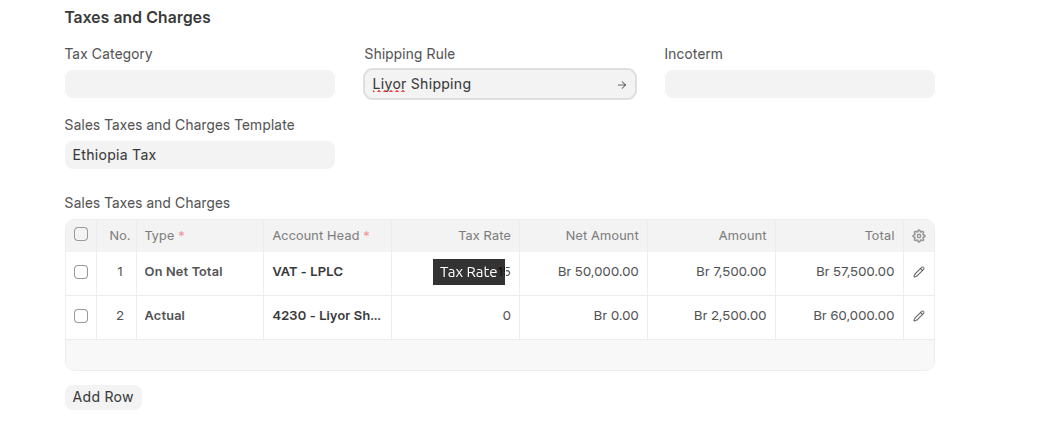
- Select Sales taxes and Charge tamplate
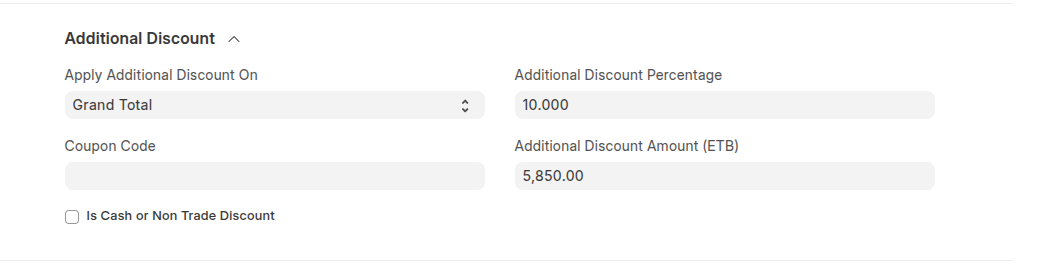
- If have a discount for Total amount you can set the discount either on Grand total or net total and set the discount either fixed amount of percentage. In addition to this you can set the discount from Coupon Code just put the coupon code in the coupon code field.
- Click Save then Submit
Last updated 6 months ago
Was this helpful?