Attendance Request allows employees to submit or regularize attendance for days when it was not marked, such as work from home or on-site duty.
To access Attendance Request, go to:
Login > Desktop > Human Resources > Attendance > Attendance Request
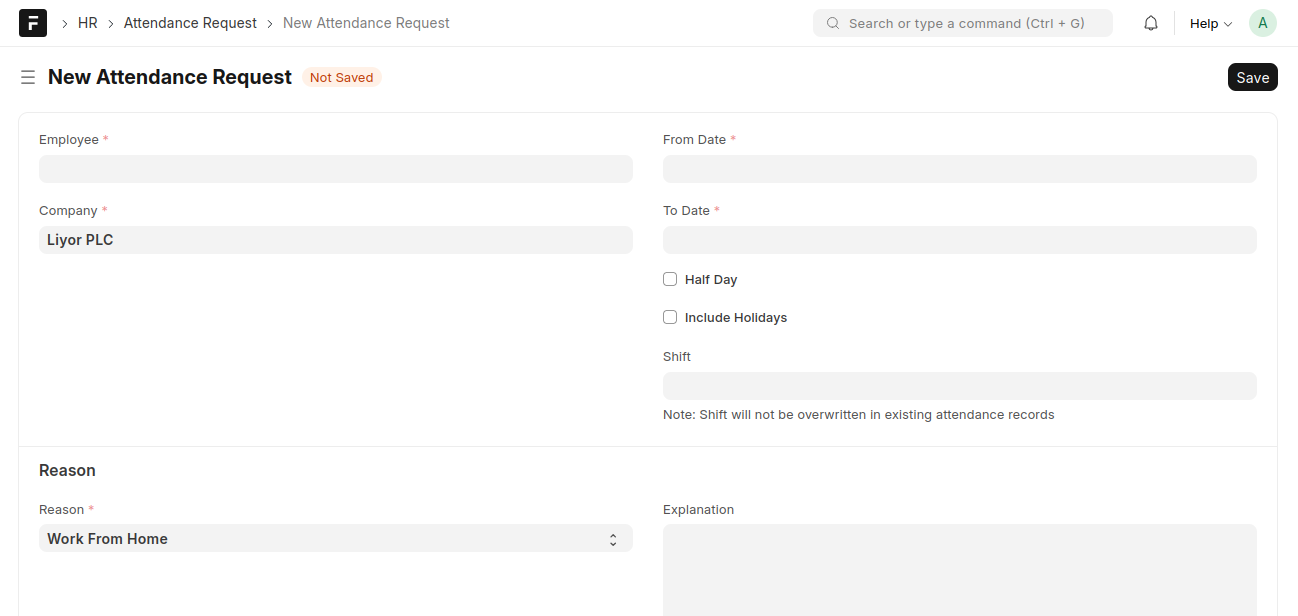
create an Attendance Request
- Go to the Attendance Request list and click New
- Select the Employee
- Select From Date and To Date
- Enable Include Holidays if required
- Select Reason and add Explanation (optional)
- Click Save and Submit
Last updated 6 months ago
Was this helpful?