A Finance Book is a book against which all the accounting entries are recorded.
To Access Finance Book:
Login to ERP > Desktop > Accounting > Finance Book
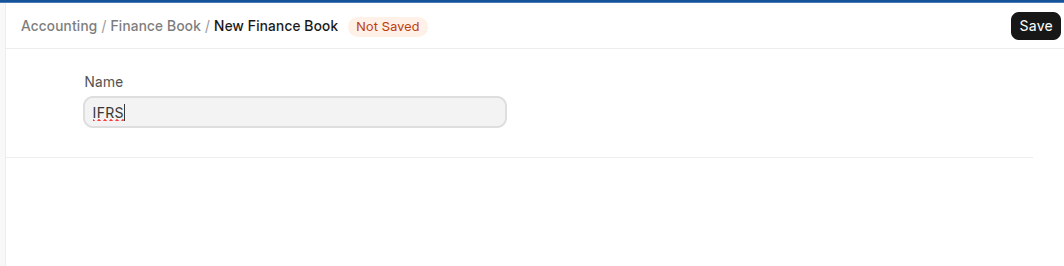
Create Finance book
- Go to Fincance Book
- Click Add Finance Book
- Enter Fiannce book Name
- Press Save
Last updated 6 months ago
Was this helpful?