Asset Maintenance Team
The Asset Maintenance Team is responsible for carrying out maintenance activities on the Asset.
To Access: Login to ERP > Desktop > Assets > Asset Maintenance Team
Create Asset Maintenance Team
- Go to Asset Maintenance Team
- Click Add Asset Maintenance Team
- Set Maintenance Team Name and select Maintenance Manager
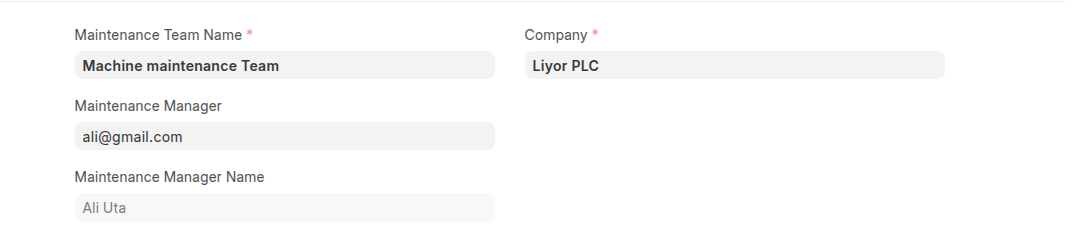
- Enter team members and thier roles on the Maintenance Team Members
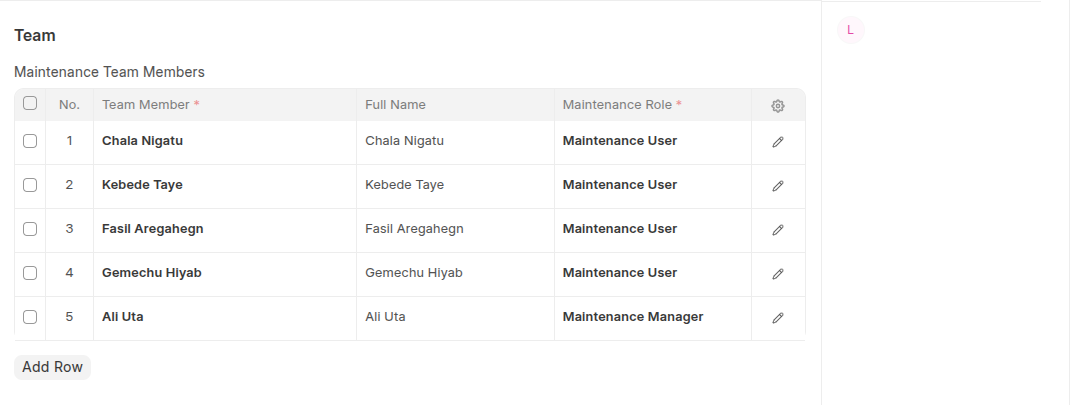
- Click Save
Last updated 6 months ago
Was this helpful?