A Leave Block List defines specific dates on which employees are not allowed to apply for leave.
To access Leave Block List, go to:
Login > Desktop > Human Resources > Leaves > Leave Block List
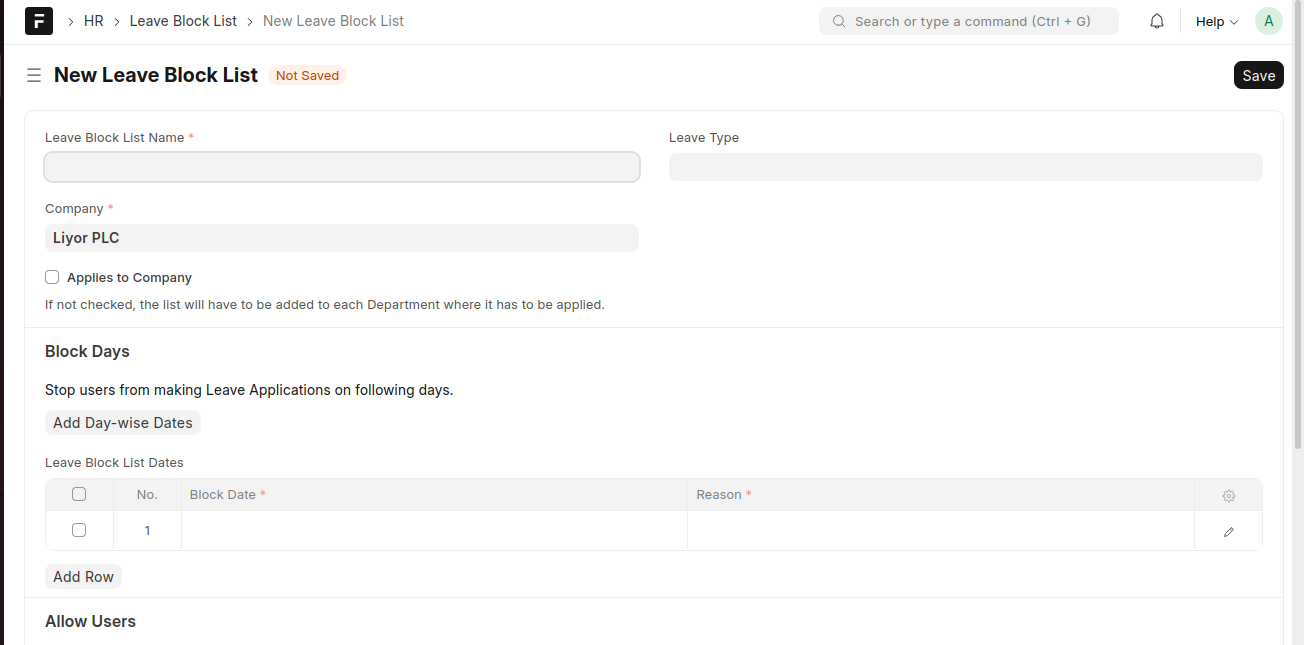
create a Leave Block List
- Click Add Leave Block List.
- Enter the Leave Block List Name and select the Company.
- (Optional) Select a Leave Type or enable Applies to Company.
- Under Block Days, add the Block Date and Reason.
- Click Save.
Last updated 6 months ago
Was this helpful?