Employee Leave Balance Summary
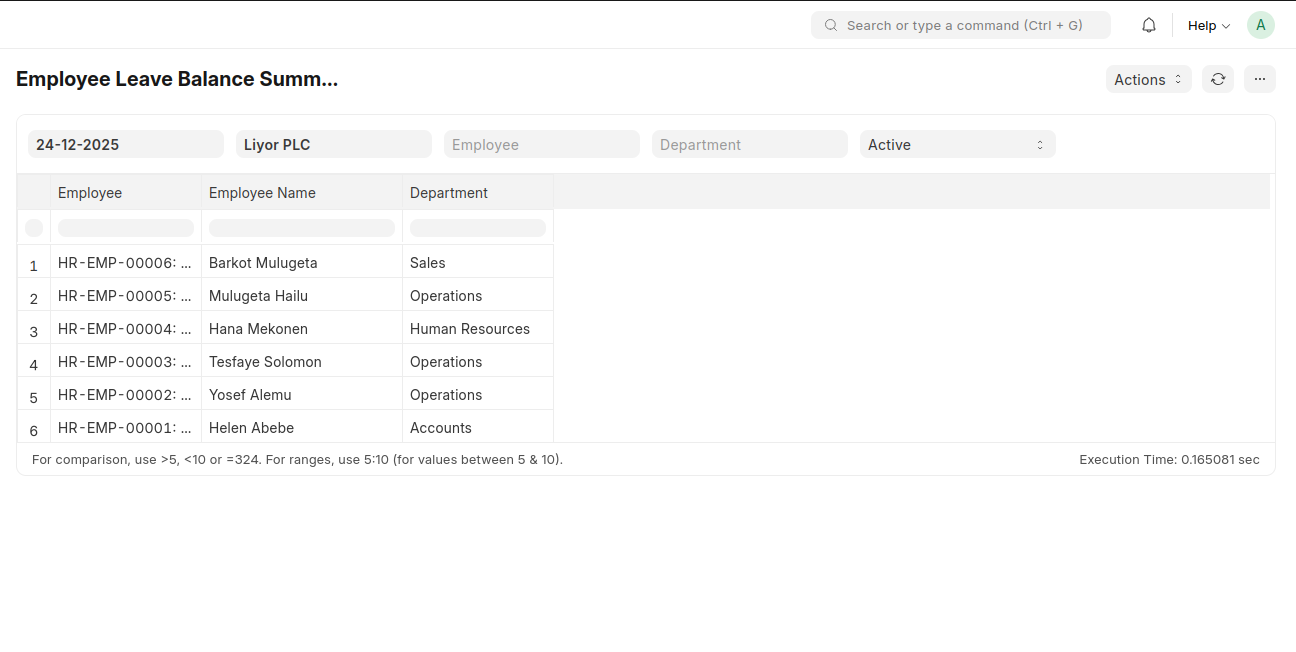
The Employee Leave Balance Summary displays the leave balances of employees, including their department and active status.
To access Employee Leave Balance Summary, go to:
Login > Desktop > Human Resources > Employee Leave Balance Summary
To use Employee Leave Balance Summary
- Set the Company and filter by Employee, Department, and Active Status.
Last updated 6 months ago
Was this helpful?