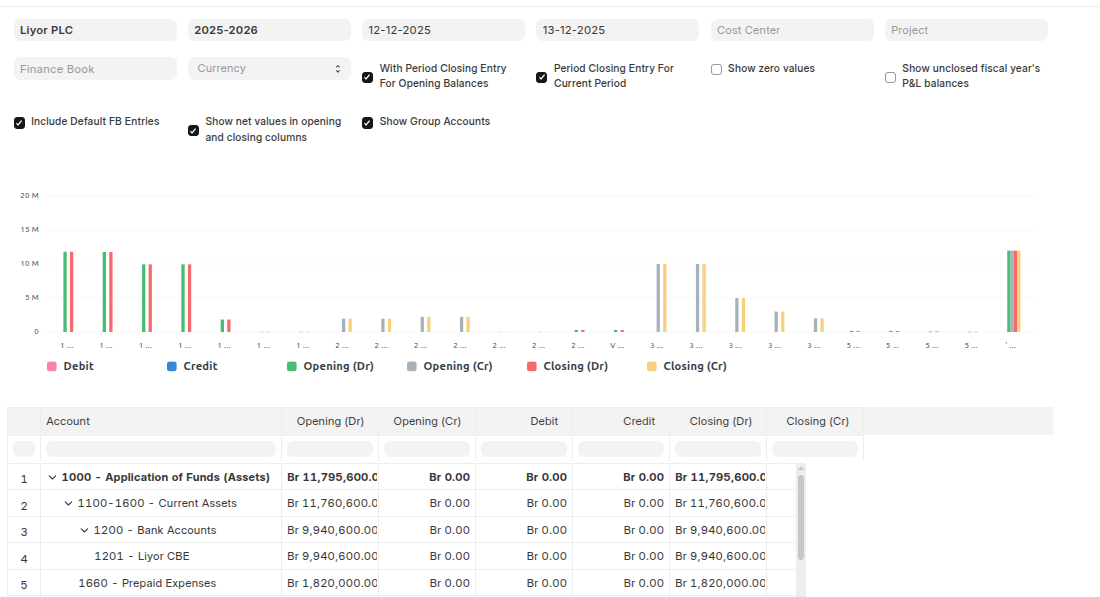
Trial Balance
A Trial Balance is an accounting report which lists account balances for all your Accounts (Ledger and Group) for any given reporting period. The general purpose of producing a trial balance is to ensure the entries in a company's bookkeeping system are mathematically correct. The totals of Debit and Credit columns must be same for any given period, to ensure the entries are correct.
To Access:
Login to ERP > Desktop > Financial Reports > Financial Reports > Trial Balance
Balance Sheet
A Balance Sheet is the financial statement of a company which states assets, liabilities and equity at a particular point in time.You can run the report across multiple year to compare values. You can check values for a specific Finance Book or Cost Center. You can also choose any other currency to display the balances.
To Access: Login to ERP > Desktop > Financial Reports > Financial Reports > Balance Sheet
Profit and Loss
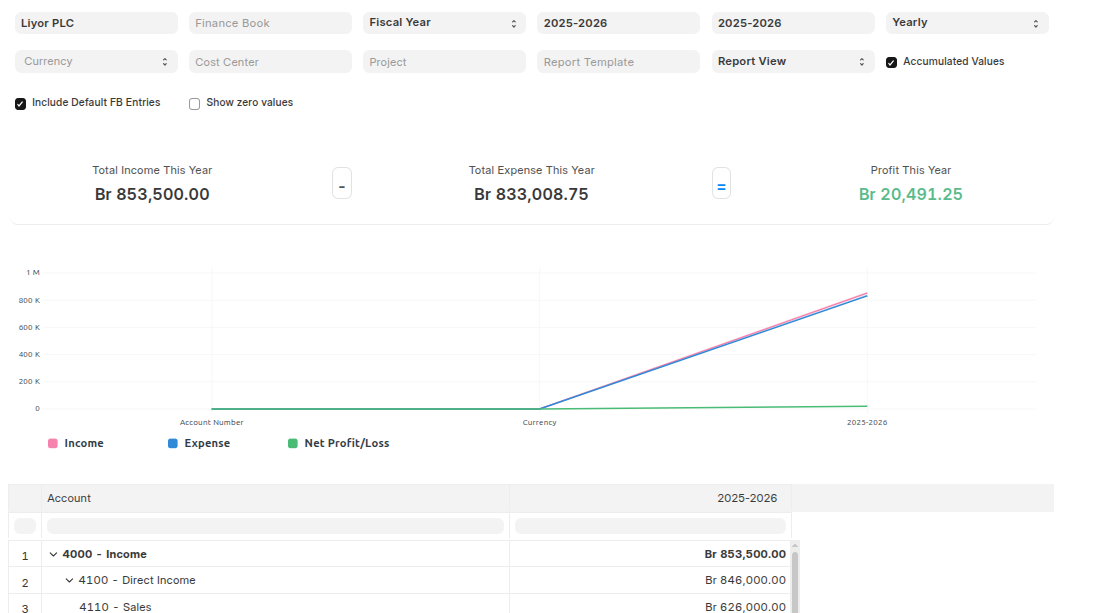
A Profit and Loss Statement is a financial statement which summarizes all the revenues and expenses in a given period.You can run the report across multiple year / period to compare the values. You can also check values for a specific Finance Book, Project or Cost Center. You can also choose any other currency to display the balances. If you are running the report to see quarterly / monthly balances, you can choose whether you want to show accumulated balances or only for each period.
To Access:
Login to ERP > Desktop > Financial Reports > Financial Reports > Profit and Loss
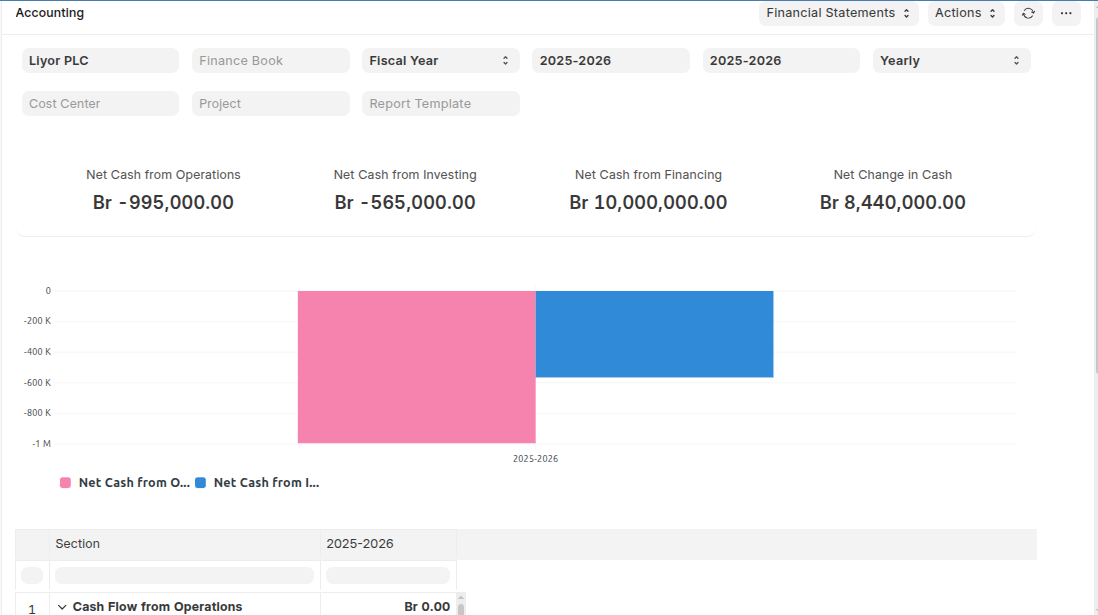
Cash Flow
A Cash Flow is a financial statement which shows the incoming and outgoing of cash or cash-equivalents for a company. It is used to analyse the liquidity position of the company.
To Access:
Login to ERP > Desktop > Financial Reports > Financial Reports > Cash Flow