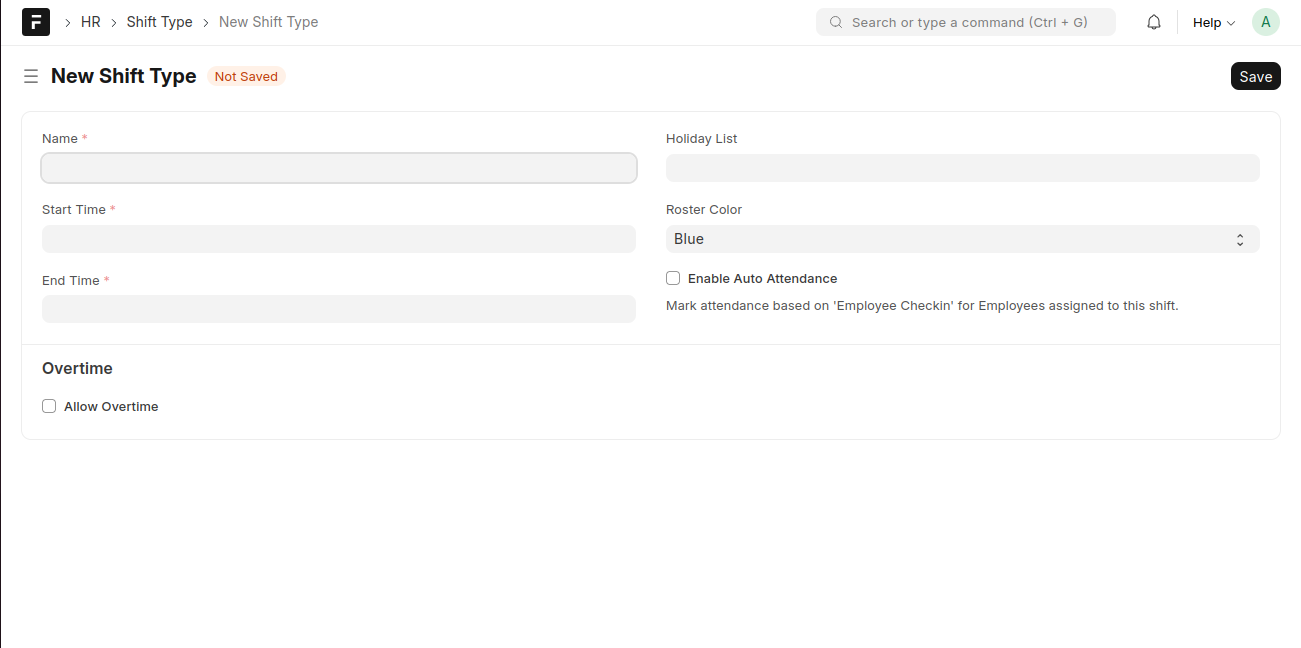
The Shift Type document allows you to define different work shifts in your organization and configure settings such as shift timings, roster color, overtime, and auto attendance.
Auto attendance automatically marks employee attendance based on Employee Check-in records for employees assigned to the shift.
To access Shift Type, go to:
Login > Desktop > HR > Shift Type
Create a Shift Type
- Open the Shift Type page and click New.
- Enter the Name of the shift.
- Set the Start Time and End Time.
- (Optional) Select a Holiday List for the shift.
- Choose a Roster Color to visually identify the shift in the roster.
- Enable Auto Attendance if attendance should be marked automatically using employee check-in records.
- Under Overtime, enable Allow Overtime if overtime is applicable for this shift.
- Click Save.
Last updated 6 months ago
Was this helpful?