Upload Attendance allows you to import employee attendance records in bulk using a predefined template. To access Upload Attendance, go to:
Login > Desktop > Human Resource > Upload Attendance
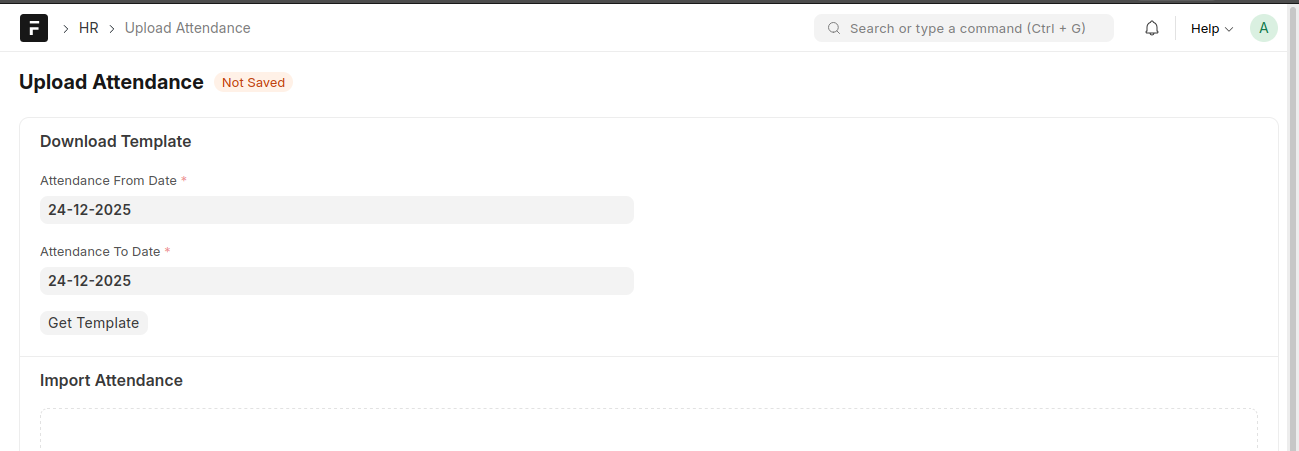
Upload attendance
- Set the Attendance From Date and Attendance To Date.
- Click Get Template to download the attendance template.
- Fill in the attendance details in the template.
- Upload the completed file under Import Attendance.
- Save to process the records.
Last updated 6 months ago
Was this helpful?