Tax Withholding Category
Tax Withholding Category is Tax Deducted at Source. According to this, a person responsible for making payments is required to deduct tax at source at prescribed rates. Instead of receiving tax on your income from you at a later date, the govt wants the payers to deduct tax beforehand and deposit it with the government.
To Access Tax Withholding Category:
Login to ERP > Desktop > Accounting > Tax Withholding Category
How to create Tax Withholding Category
- Under Taxe Masters section Select Tax Withholding Category
- Click Add Tax Withholding Category
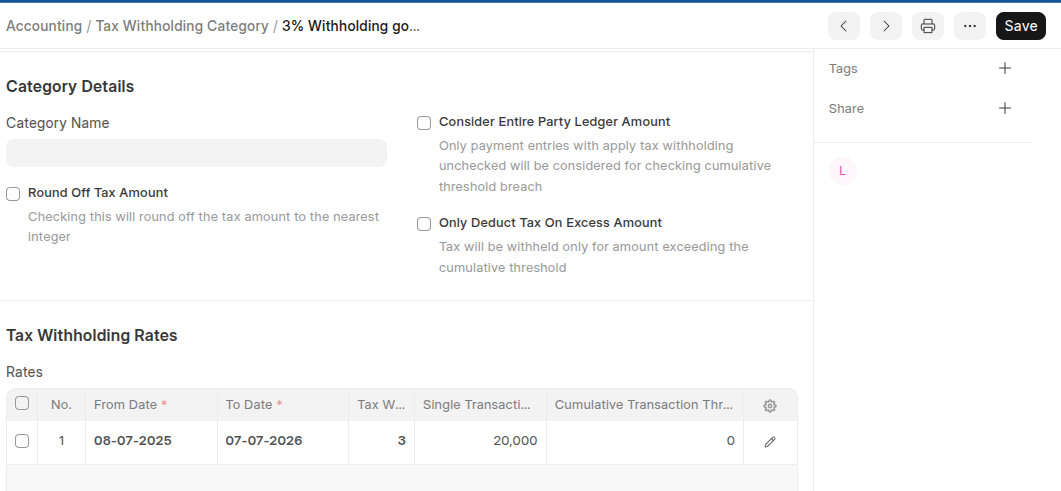
- Enter Withhold name
- On the Taxe Withholding Rates Table Click Add Row then set from date and to date, set tax withholding rate, and Set single transaction threshold and Cumulative Transaction Threshold.
- Under Account details Table Click Add Row then select company and withhold account
- Click Save
Last updated 6 months ago
Was this helpful?