A Purchase Invoice is a bill you receive from your Suppliers against which you need to make the payment.
To Access:
Login to ERP > Desktop > Accounting > Purchase Invoice
Create Purchase Invoice
- Go to Purchase Invoice
- Click Add Purchase Invoice
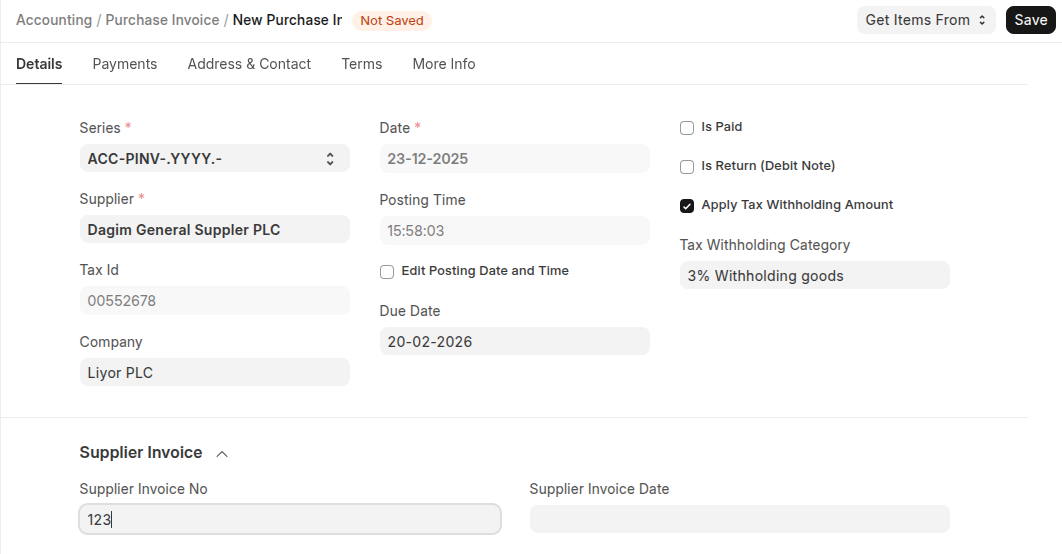
- Select Supplier, and also set invoice number if applicable
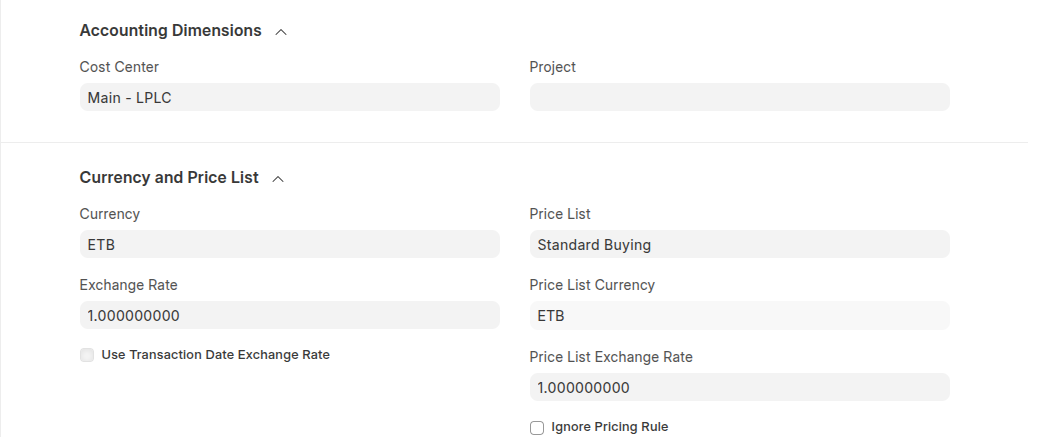
- Select Cost Center
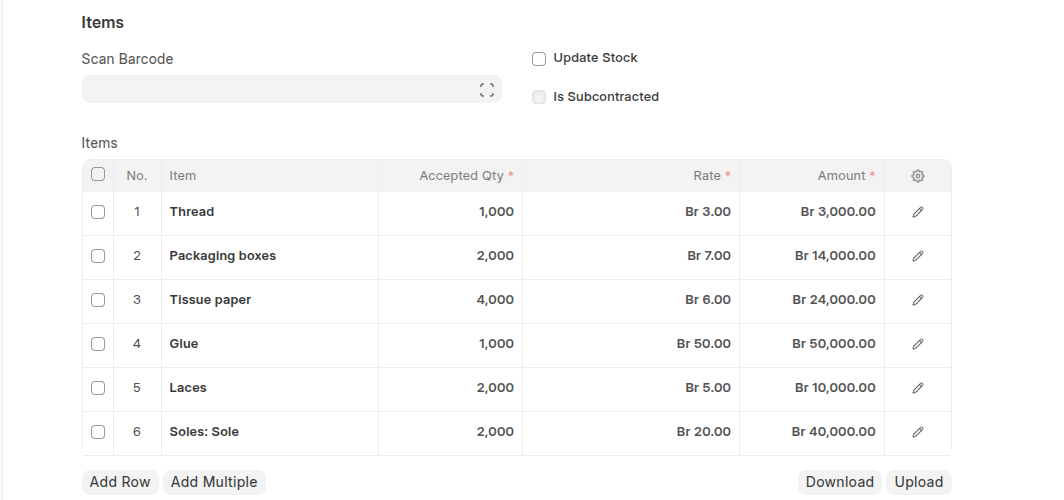
- Click Add row to Add Items and set thier quantities. In addition to this you can add items using items barcode.
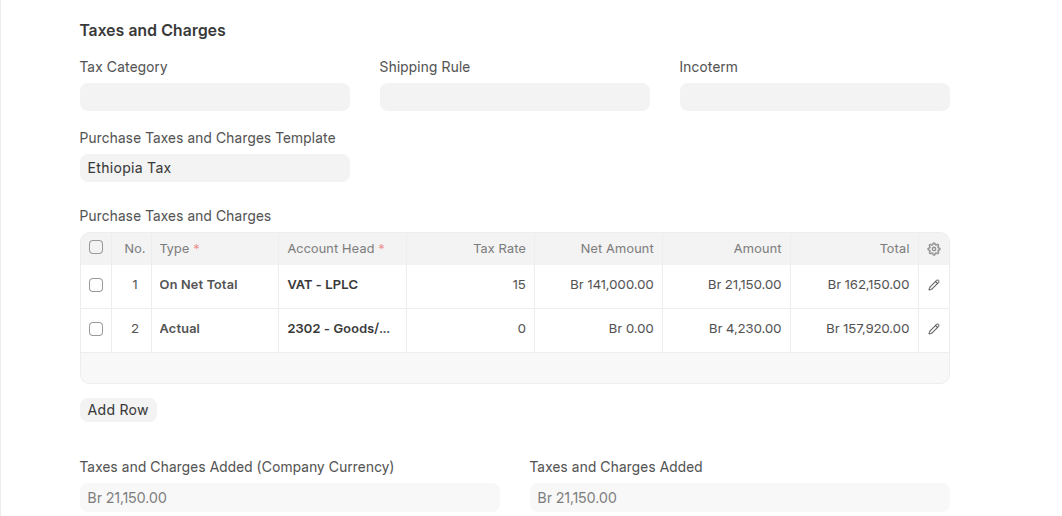
- Set Purchase tax and charge tamplate
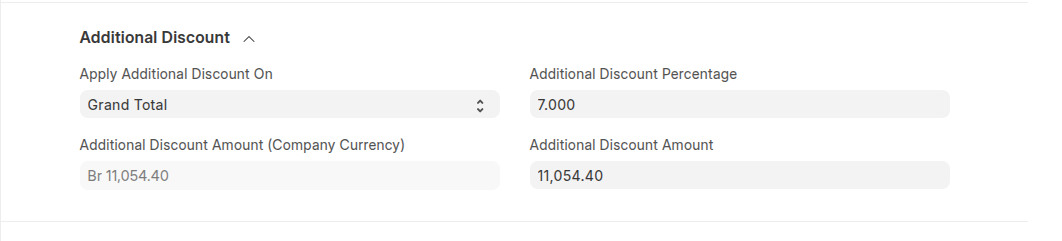
- If discount is applicable select the discount on either Net total or Grand total then set the disocunt either in fixed amount or percentage.
- Click Save then Submit
Last updated 6 months ago
Was this helpful?