A quotation is an estimated cost of the products/services you're selling to your future/present customer.
To Access:
Login to ERP > Desktop > Selling > Quotation
Create Quotation
- Go to Quotation
- Click Add Quotation
- Set Date, select Order Type
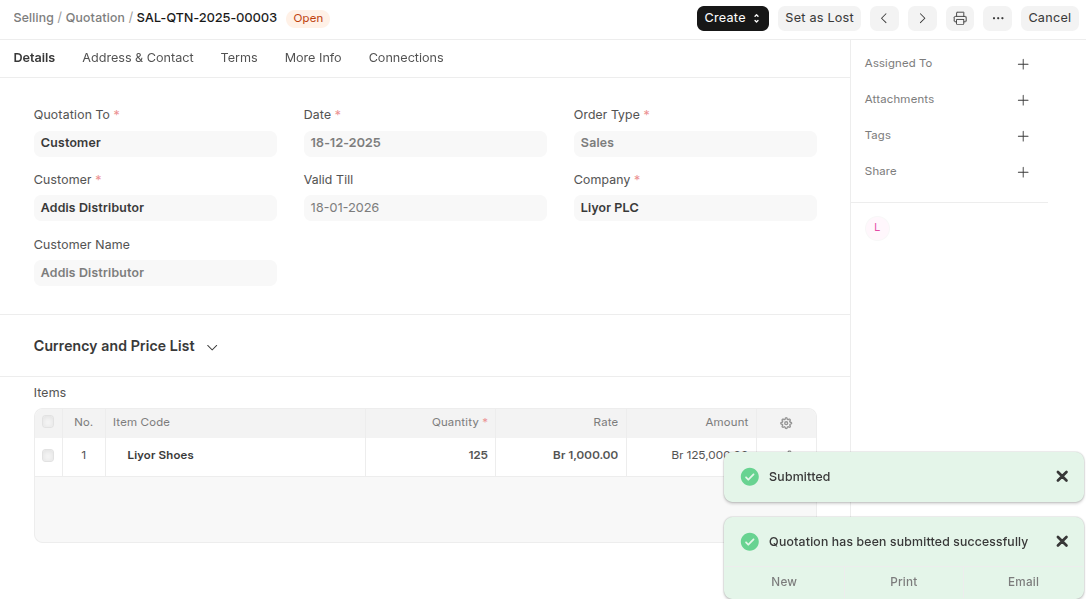
- Select Customer if the Quotation is to a Customer or a Lead if the quotation is for lead and for Prospect from the 'Quotation To' field.
- Then Select Customer/Lead/ Prospect Name based on the select qotation to.
- Add the Items and their quantities in the items table.
- Add Sales Taxes and Charges Template
- Click Save
Last updated 6 months ago
Was this helpful?