Stock Reconciliation
Stock Reconciliation is the process of counting and evaluating material/products, periodically at the year end. It used to reconcile the stock items and opening stock To Access:
Login to ERP > Desktop > Stock > Stock Reconciliation
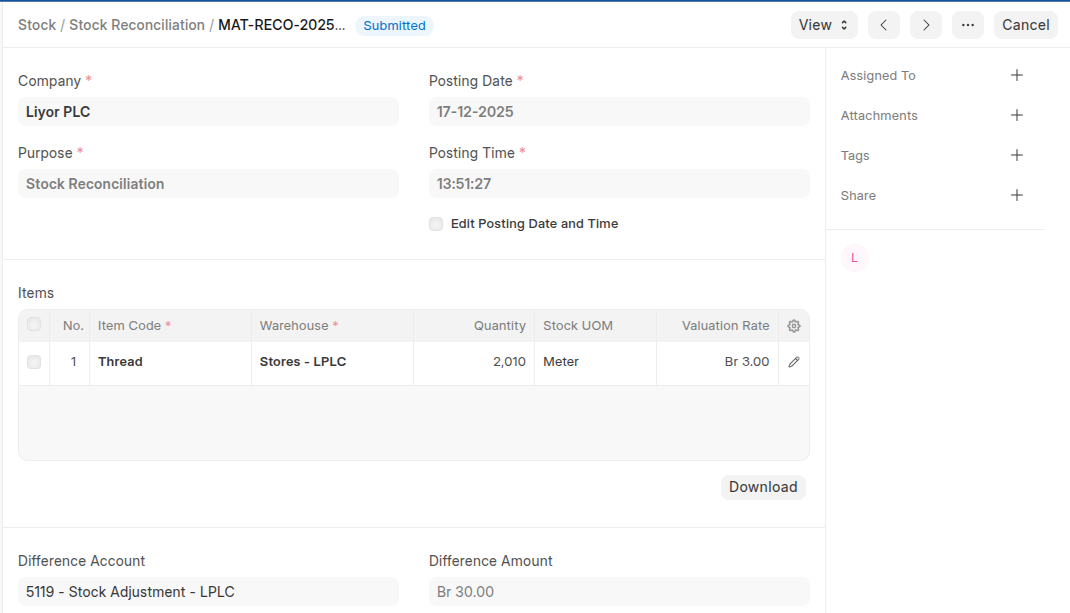
Create Stock Reconciliation for reconcile stock items
- Go to Stock Reconciliation
- Click Add Stock Reconciliation
- Select Stock Reconciliation in the purpose field
- In the Items table click Add row to add items then set warehouse and update quantity based on actual stock quantity.
- Click Save then submit.
Create Stock Reconciliation for Opening Stock
- Go to Stock Reconciliation
- Click Add Stock Reconciliation
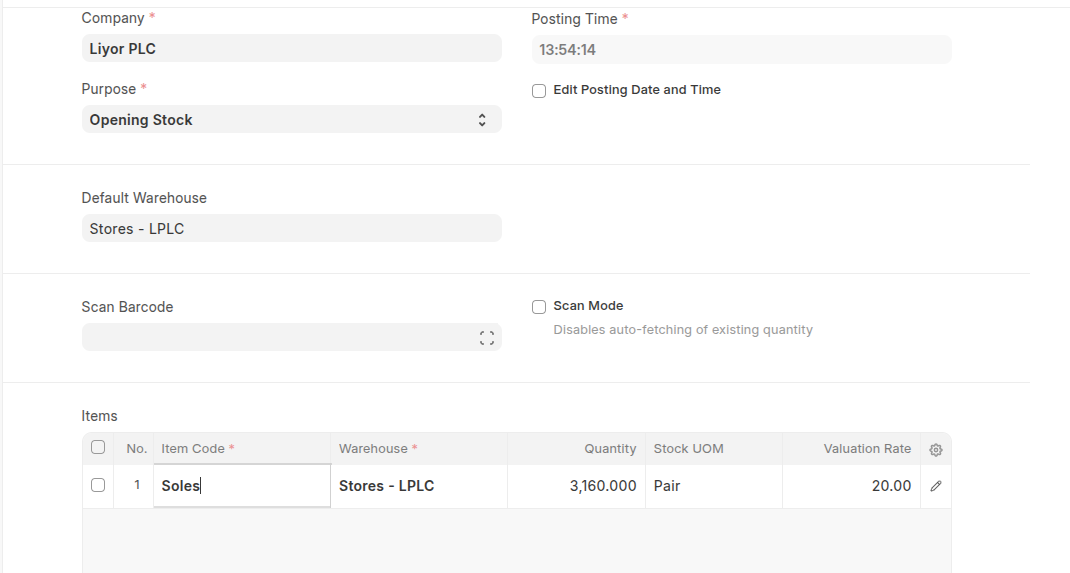
- Select opening Stock in the purpose field
- In the Items table click Add row to add items then set warehouse and set stock quantity.
- Click Save then submit.
Last updated 6 months ago
Was this helpful?