Payroll Settings allow you to configure global options related to payroll processing, salary slips, working days, and payroll emails.
To access Payroll Settings, go to:
Login > Desktop > Payroll > Payroll Settings
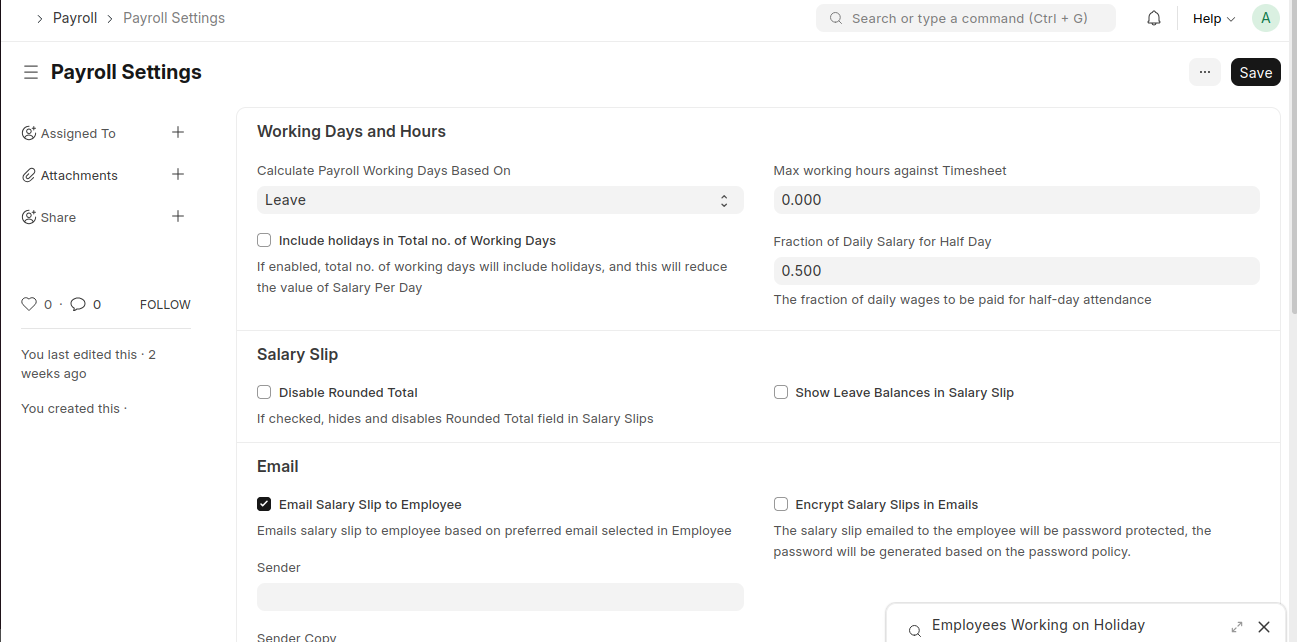
configure Payroll Settings
- Go to the Payroll Settings page.
- Configure Working Days and Hours options.
- Set Salary Slip preferences.
- Configure Email settings for salary slips.
- Update Other Settings as required.
- Click Save.
Last updated 6 months ago
Was this helpful?