A Quality Procedure is a Standard Operating Procedure (SOP) used as a reference to carry out routine actions.
To Access:
Login to ERP > Desktop > Quality > Quality Procedure
Create Quality Procedure
- Go to Quality Procedure
- Click Add Quality Procedure
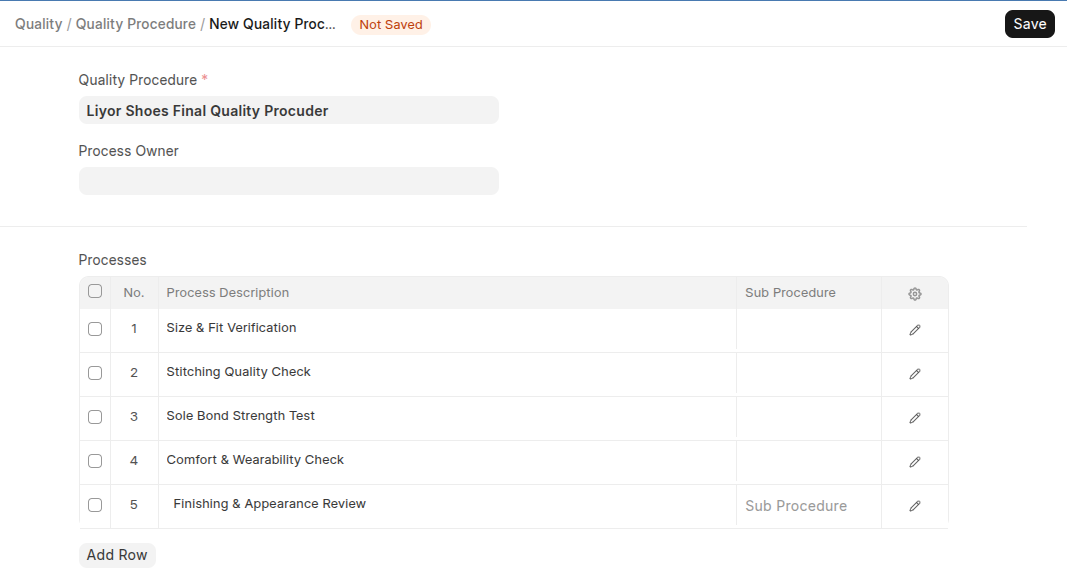
- Set Procedure Name
- Select Process Owner
- Add All Processes in Process table
- Enable Is Group if this procuder has child procuder
- IF have Perant select it
- Click Save
Last updated 6 months ago
Was this helpful?