Request for Quotation
A Request for Quotation is a document that an organization sends to one or more suppliers asking a quotation for items.
To Access:
Login to ERP > Desktop > Buying > Request for Quotation
Create Request for Quotation
- Go to Request for Quotation
- Click Add Request for Quotation
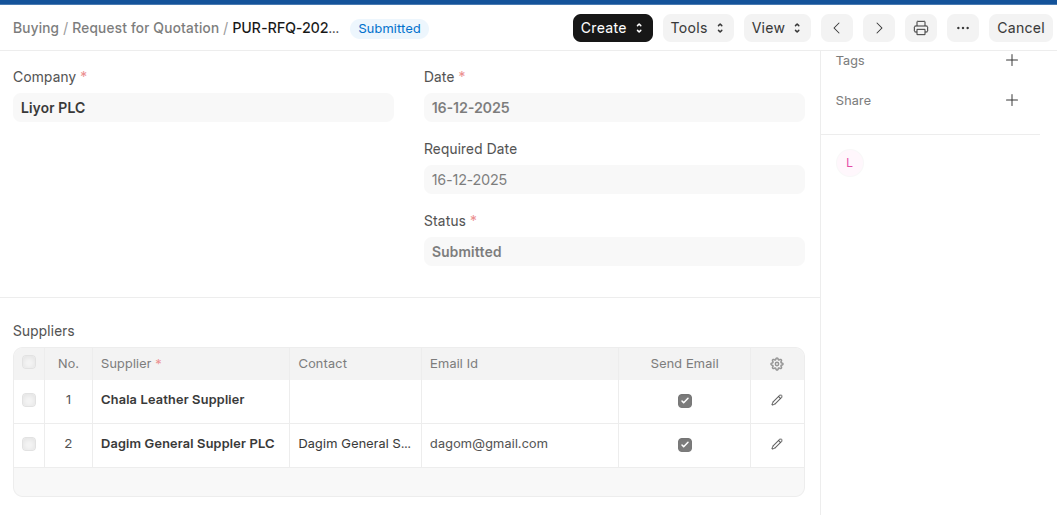
- Set Required date
- Add Supplier in the Suppliers table
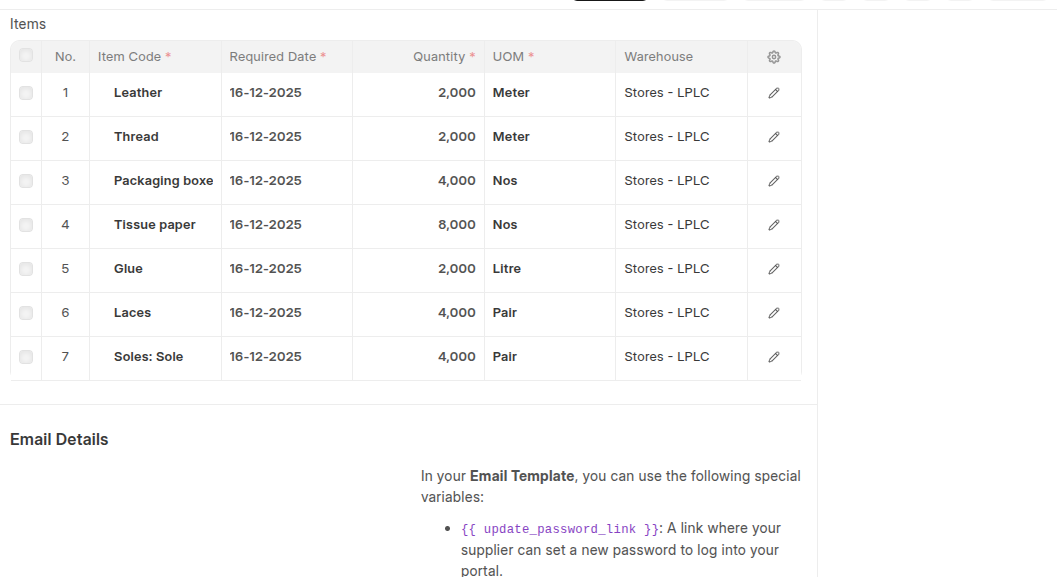
- Add items In the Items Table
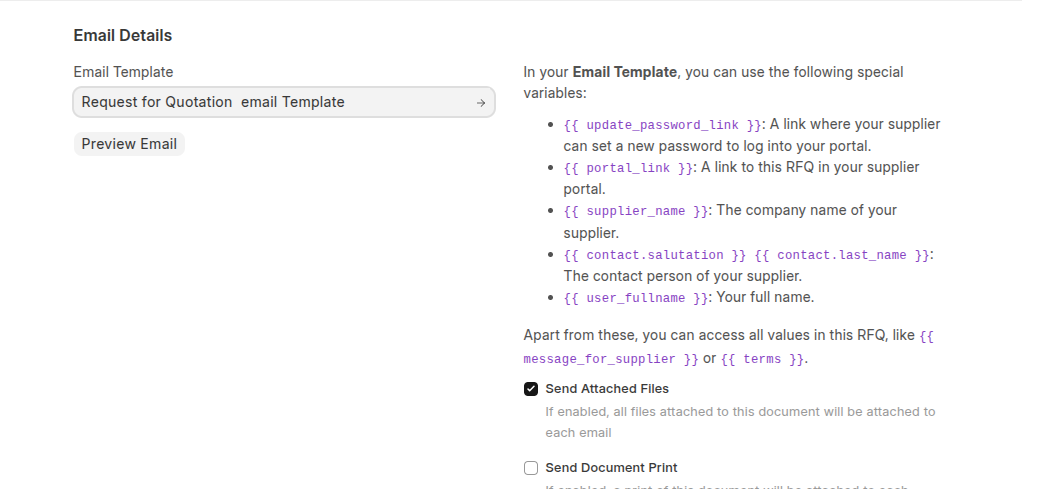
- If you have prepared email tamplate and you want to send an email you can send an email by selecting email tamplate in the email template section.
- Click Save then Submit
Last updated 6 months ago
Was this helpful?