Journal Entry Template
A Journal Entry Template lets you set and select a predetermined list of accounts and options while making a Journal Entry.
To Access Journal Entry Template:
Login to ERP > Desktop > Accounting > Journal Entry Template
Create Journal Entry Template
- Go to Journal Entry Template
- Click Add Journal Entry Template
- Set Template title
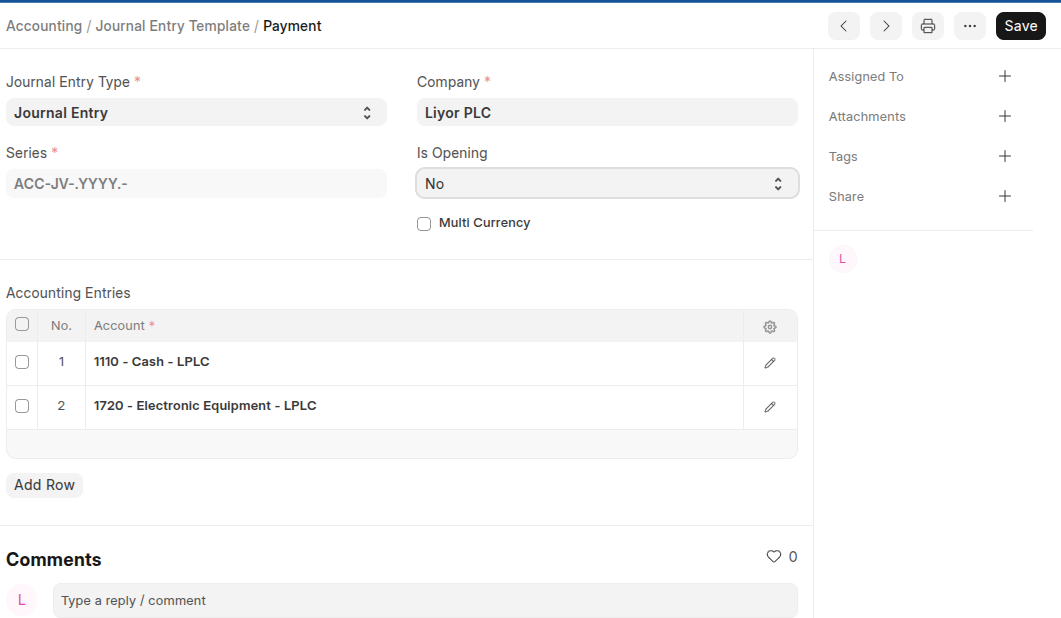
- On the Accounting Entries table click Add row to add the accounts you can add many accounts.
- Select Yes if the template is used for opening entry
- Click Save
Last updated 6 months ago
Was this helpful?