Tasks help you manage your to-do list and track activities related to leads, deals, and contacts. They allow you to organize work and ensure timely follow-ups.
To access Tasks:
Login → Desktop → Frappe CRM → Tasks
Create Task
Create a new task in Frappe CRM:
- Go to Frappe CRM → Tasks.
- Click Create in the top-right corner.
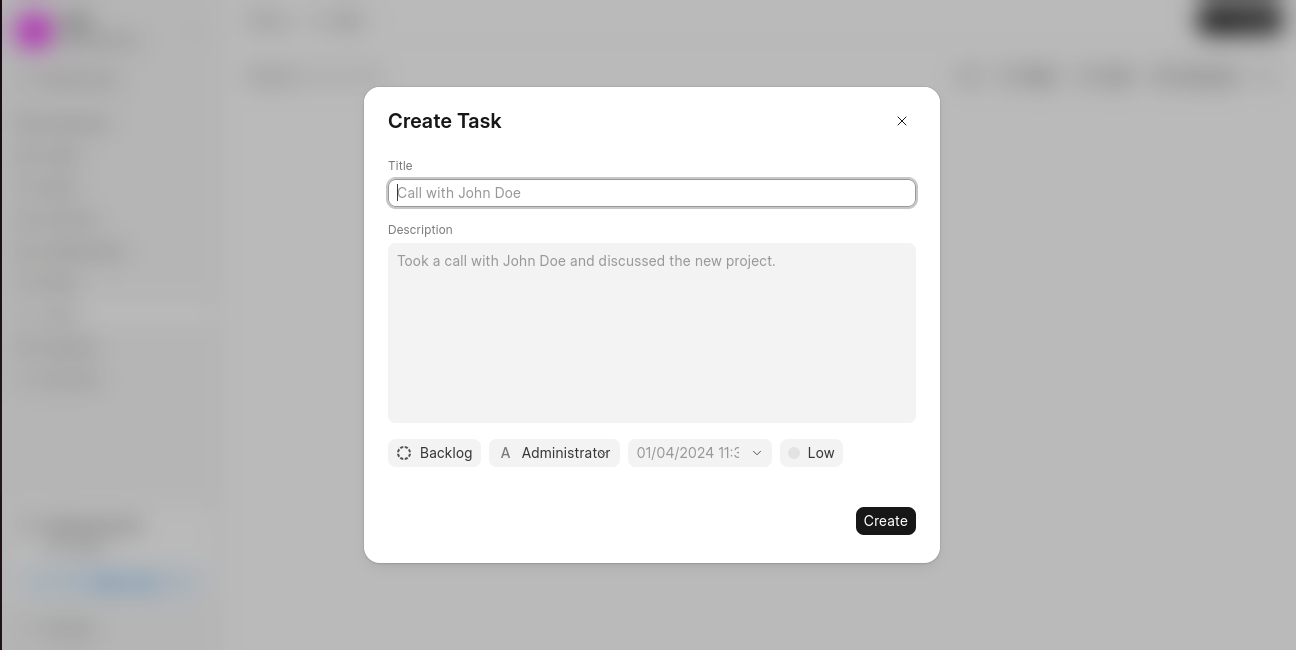
- In the Create Task dialog, enter:
- Title
- Description
- Set additional task details:
- Status
- Assigned To
- Due Date
- Priority
- Click Create to save the task.
Last updated 6 months ago
Was this helpful?