An Appointment Letter is a formal letter issued by the employer to selected candidates, inviting them to join the organization for a specific position.
To access Appointment Letter, go to:
Login > Desktop > HR > Appointment Letter
Create an Appointment Letter
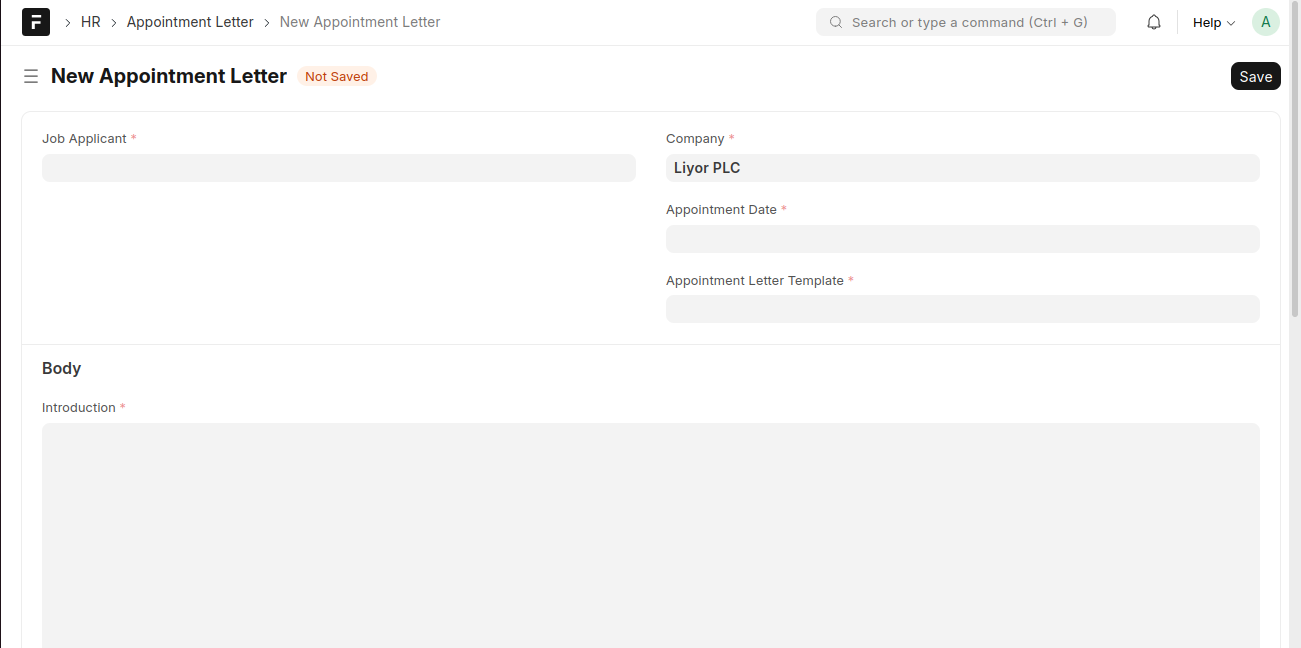
- Click Add Appointment Letter.
- Select the Job Applicant.
- Select the Company.
- Set the Appointment Date.
- Select the Appointment Letter Template.
- Review or edit the Introduction in the body section.
- Click Save.
Last updated 6 months ago
Was this helpful?